
History & Processing
Find old transcripts, organize Quick Captures into collections, inspect processing diffs, reprocess with new settings, and compare the result against its parent.
Explore History & ProcessingNative macOS Dictation
Speak naturally in 99+ languages and AimeFlux turns it into clean text using local Whisper transcription, reusable modes, and optional AI cleanup.
Supports Apple Silicon Macs running macOS 13.3 Ventura or later.
Works from the menu bar, then gets out of the way.

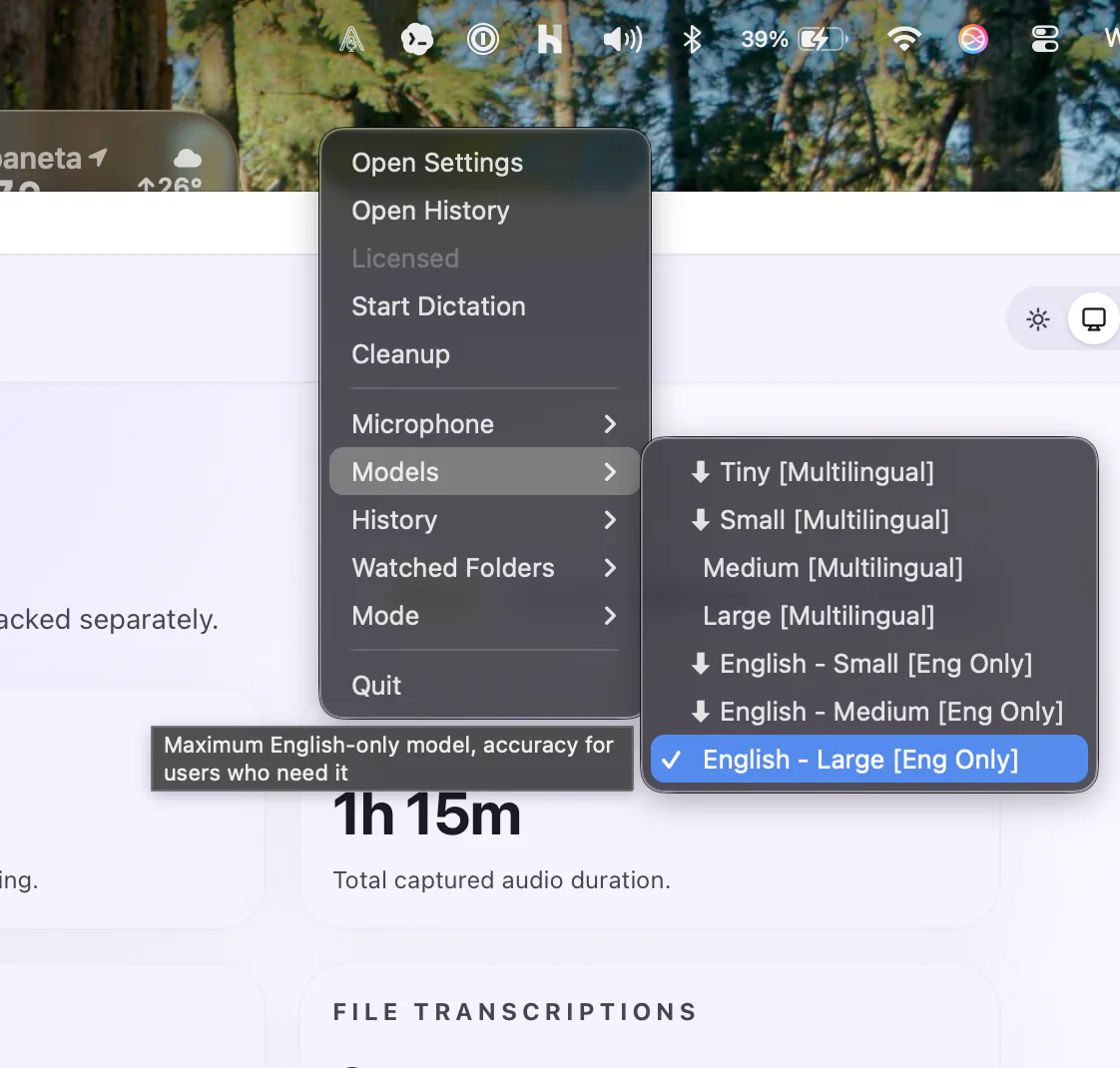
Menu Bar Workflow
Record, switch models, open history, and manage watched folders without opening Settings or changing apps.
Start dictation, speak naturally, and stop when the thought or draft is finished.
Hold a key or key combo while speaking, then release to finish the capture.
Save a one-off thought to history and Collections without inserting text into your current app.
Why AimeFlux Exists
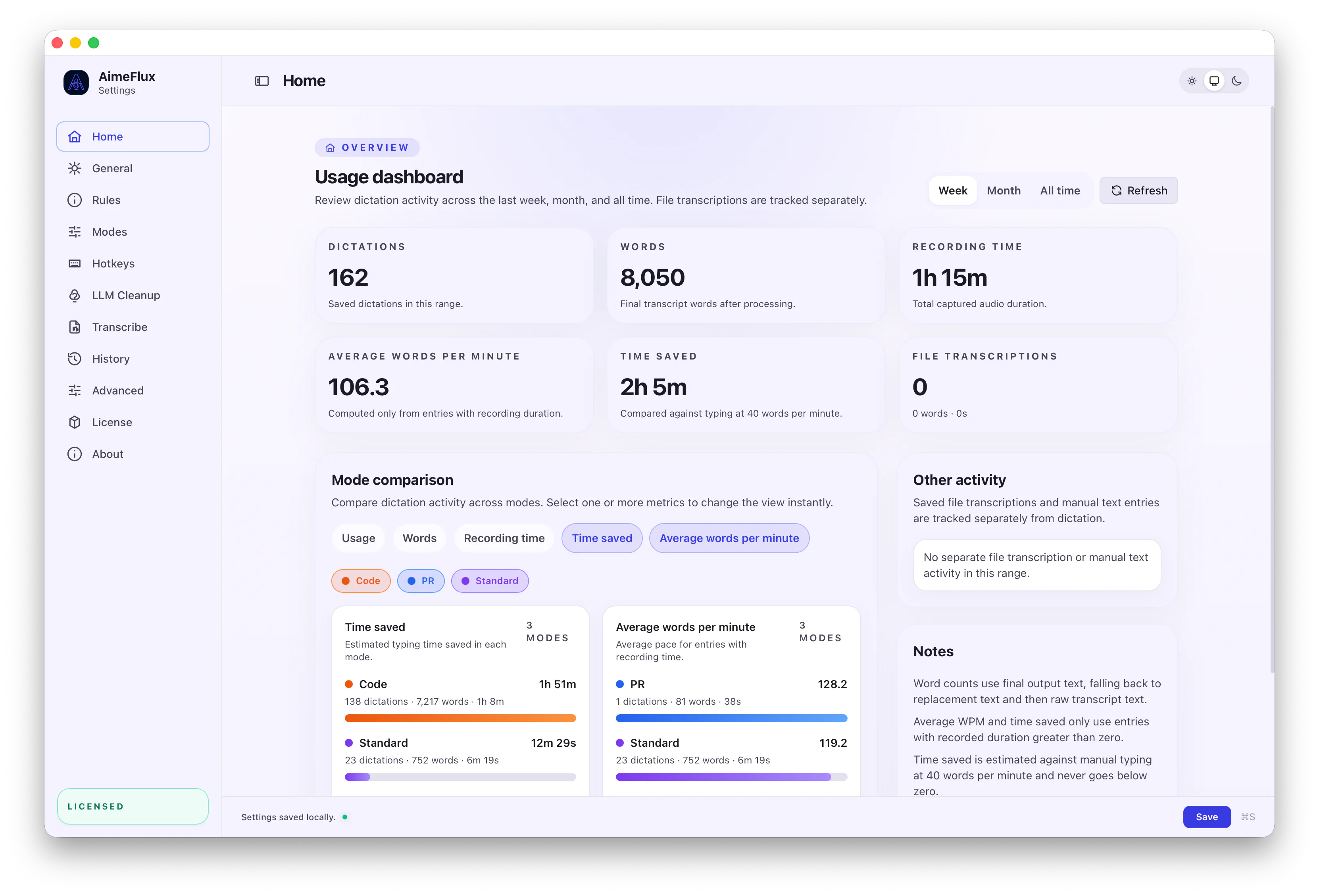
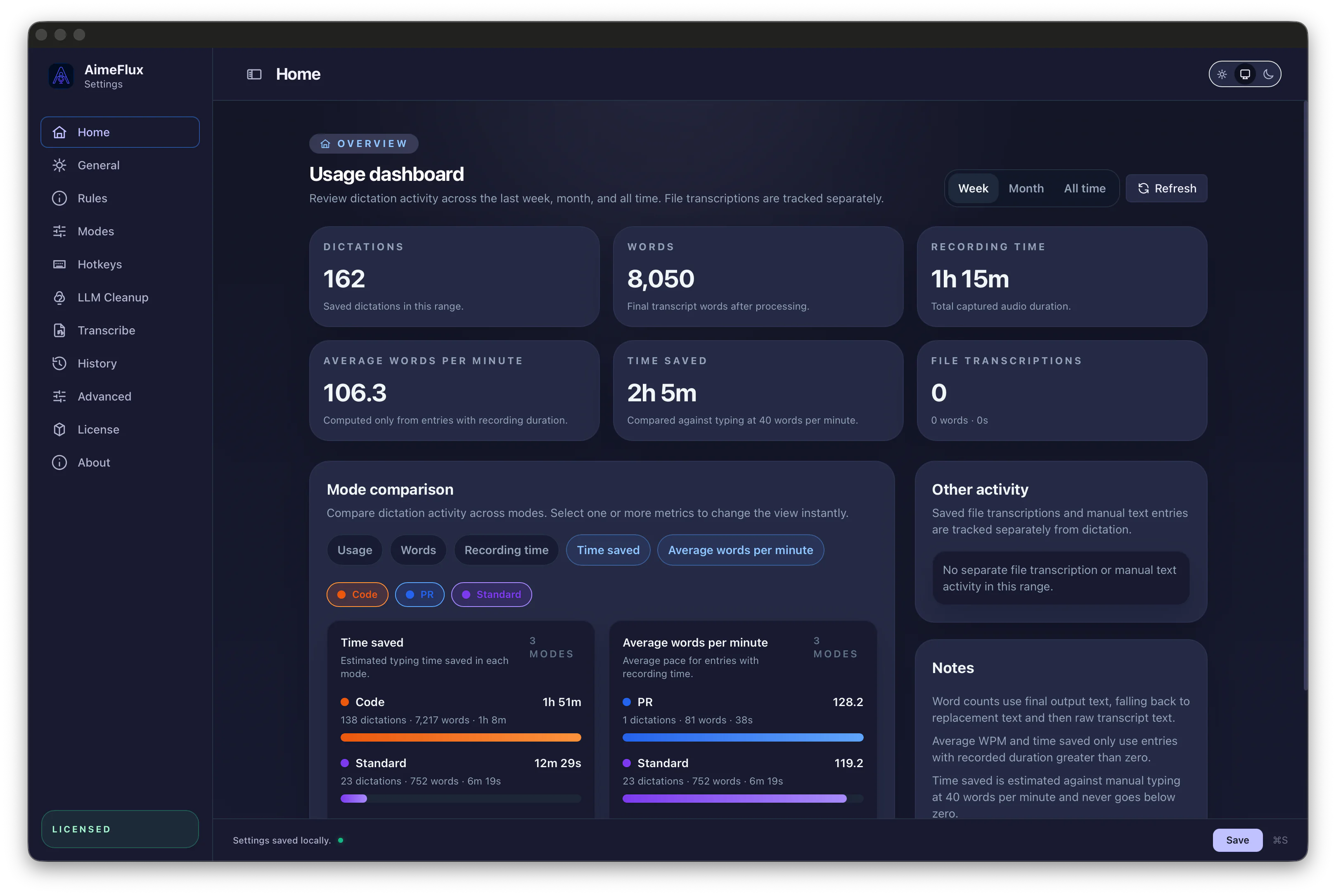
AimeFlux keeps capture fast, applies your rules, and shows how raw transcript becomes final text.
Privacy & Local AI
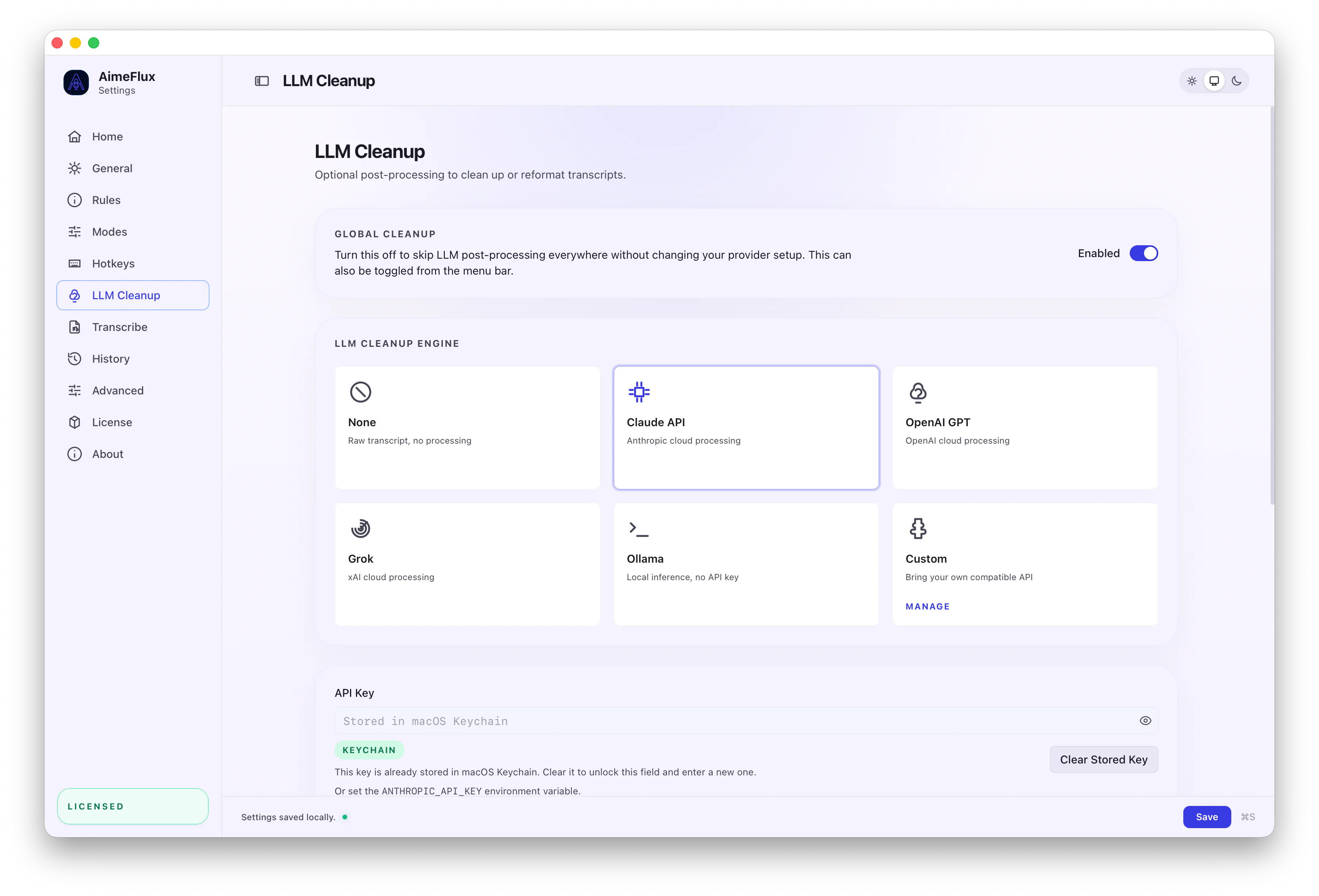
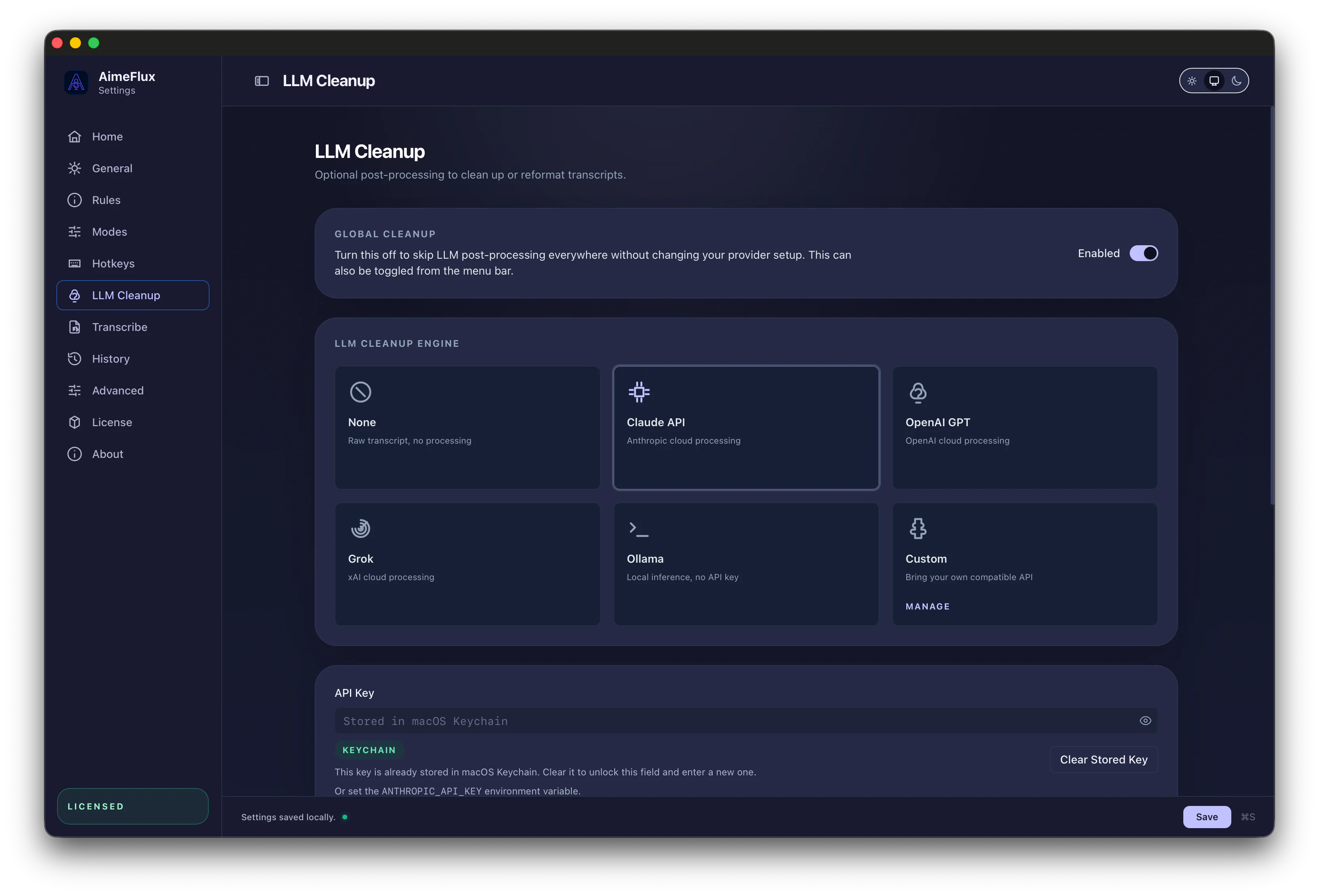
Use local Whisper for transcription, local rules for cleanup, and local-compatible providers when you want AI refinement without cloud calls.
Always Local
Optional AI Cleanup
Explore Deeper
Start with the area closest to your day-to-day work, then dig into the advanced controls when you need more precision.
Find old transcripts, organize Quick Captures into collections, inspect processing diffs, reprocess with new settings, and compare the result against its parent.
Explore History & ProcessingCreate modes for different jobs so language, translation, replacements, and auto-activation stay repeatable.
Explore Rules & ModesTurn audio and video files into subtitles, transcripts, and structured exports with the same cleanup controls.
Explore File TranscriptionUse CLI commands, MCP access, and automation hooks when the menu bar is not the right interface.
Explore Power User ToolsRun transcription and rules locally, then use Ollama or other local-compatible providers for no-cloud cleanup.
Explore Privacy & Local AIPricing
Try all features for 21 days. If it fits how you work, buy one license and keep using it without subscriptions.
Personal License
$25
one-time
Single-device personal license
For one person using AimeFlux on one Mac.
Pro License
$50
one-time
3-device personal license
For one person using AimeFlux across their own Macs.
Team License
$150
one-time
10-device team license
For teams that want one shared license across multiple Macs.
Start the 21-day trial with all features included, then choose the license that fits when you are ready.
ChangeLog
Public release notes are managed from the dashboard, written in markdown, and published with version numbers and release dates.
v0.15.2
Released June 1, 2026
Added Smart Paste for inline dictation, improved Push-to-talk and Quick Capture hold hotkey combinations, and updated the hotkey UI for longer shortcut combinations.
v0.15.0
Released May 28, 2026
Added history collections, Quick Capture, automatic organization rules and improved privacy for AI integrations with private modes and collections.
v0.14.1
Released May 21, 2026
Improved hotkeys, push-to-talk, exports, and settings workflows.
FAQ
Practical answers about offline use, provider setup, language support, automation, and Apple Silicon requirements.
Yes. Whisper transcription runs locally on your Mac, so dictation and file transcription can work without an internet connection. Saved history stays in a local encrypted database.
No. API keys are only needed if you enable optional cloud cleanup through OpenAI, Anthropic, or xAI (Grok). In that case, only transcript text is sent to the provider you configure.
Yes. Whisper runs locally for transcription, and optional AI cleanup can target local-compatible providers such as Ollama for no-cloud cleanup.
No. Audio is used locally for Whisper transcription and discarded as soon as transcription finishes. If you enable cloud cleanup, only the transcript text is sent to the provider you configure.
Yes. Multilingual support is on by default, with 99+ languages available in Auto-Detect mode. You can also configure language and translation behavior per mode.
Yes. AimeFlux can run with local transcription, deterministic cleanup, replacements, and history only. AI refinement is optional, and local-compatible cleanup providers are supported when you want no-cloud AI.
Yes. The current release is built for Apple Silicon Macs.
Yes. CLI access, MCP support, watched folders, and reprocessing make it practical to integrate AimeFlux into larger workflows.
AimeFlux can export subtitles and structured outputs such as SRT, VTT, and JSON.
Yes. A single-device personal license covers 1 device, the standard personal license covers up to 3 devices, and the $150 team license covers up to 10 devices on a single license.