
File Transcription
Turn media files into transcripts, subtitles, and structured output.
AimeFlux is not limited to live dictation. Process audio or video files, choose models per task, generate subtitles, and export text that is ready for the next step.
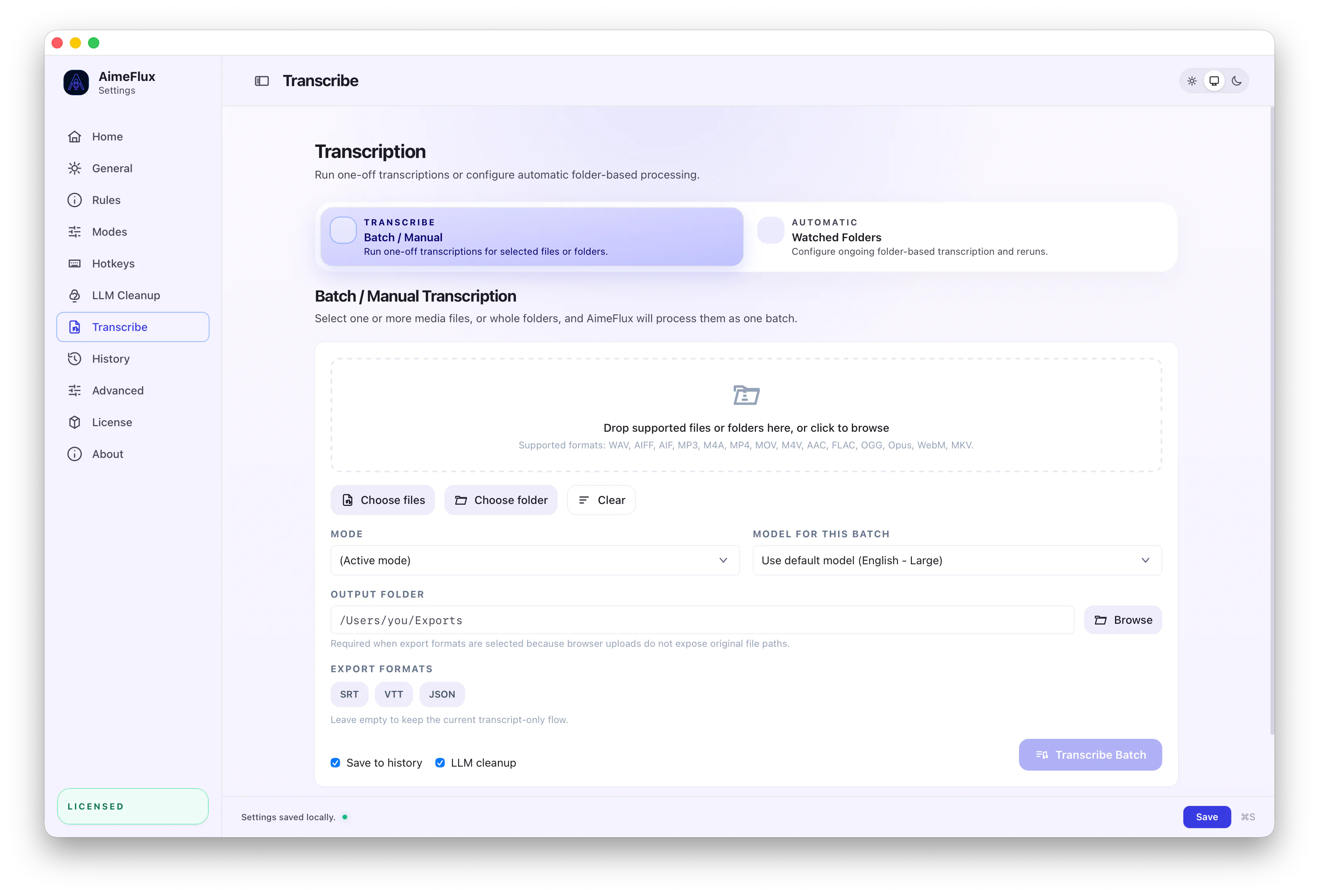
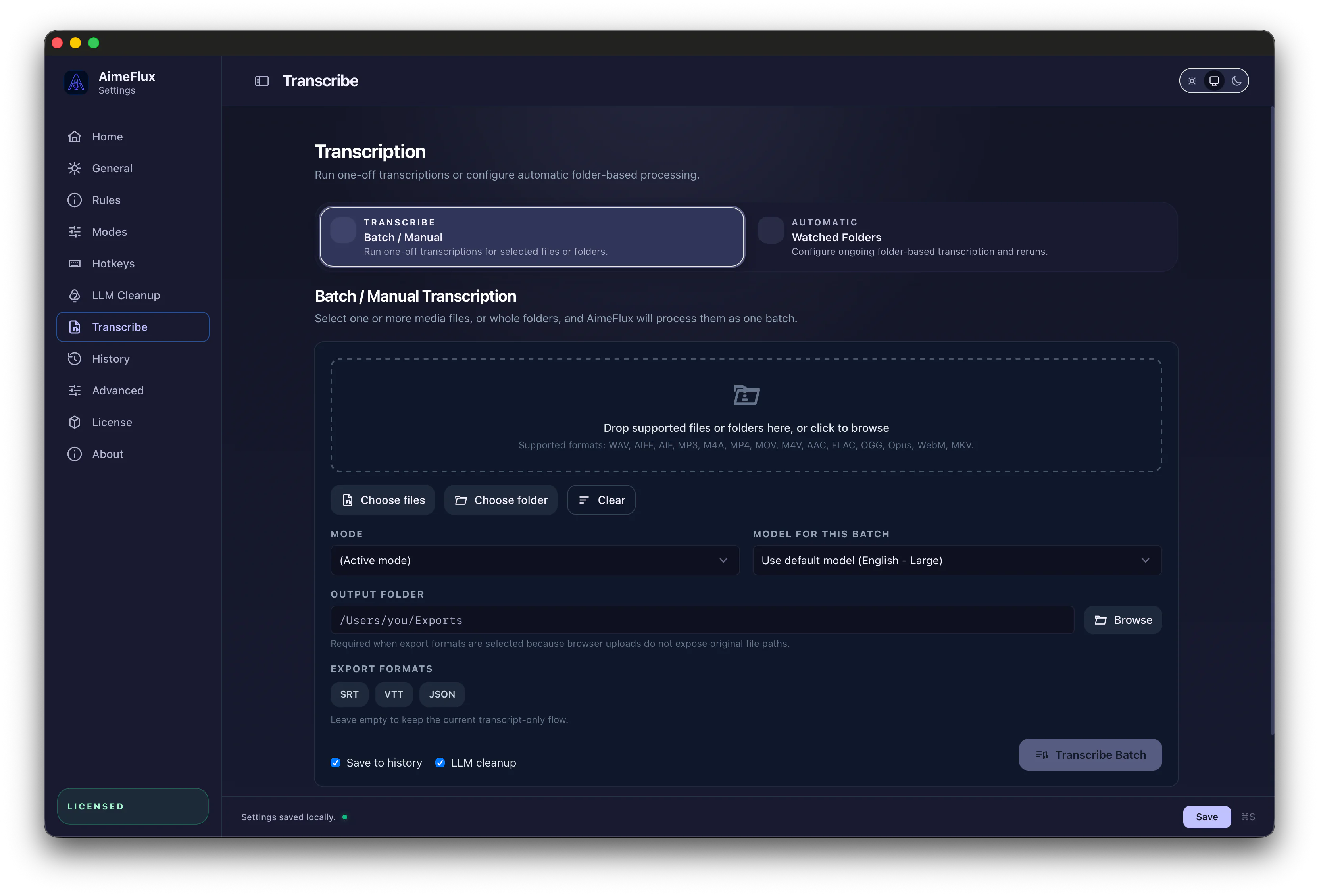
Manual Transcription
Process one file without building a toolchain.
Drop in a file, choose a model, select a mode, and export transcripts or subtitles from the same app you use for dictation.
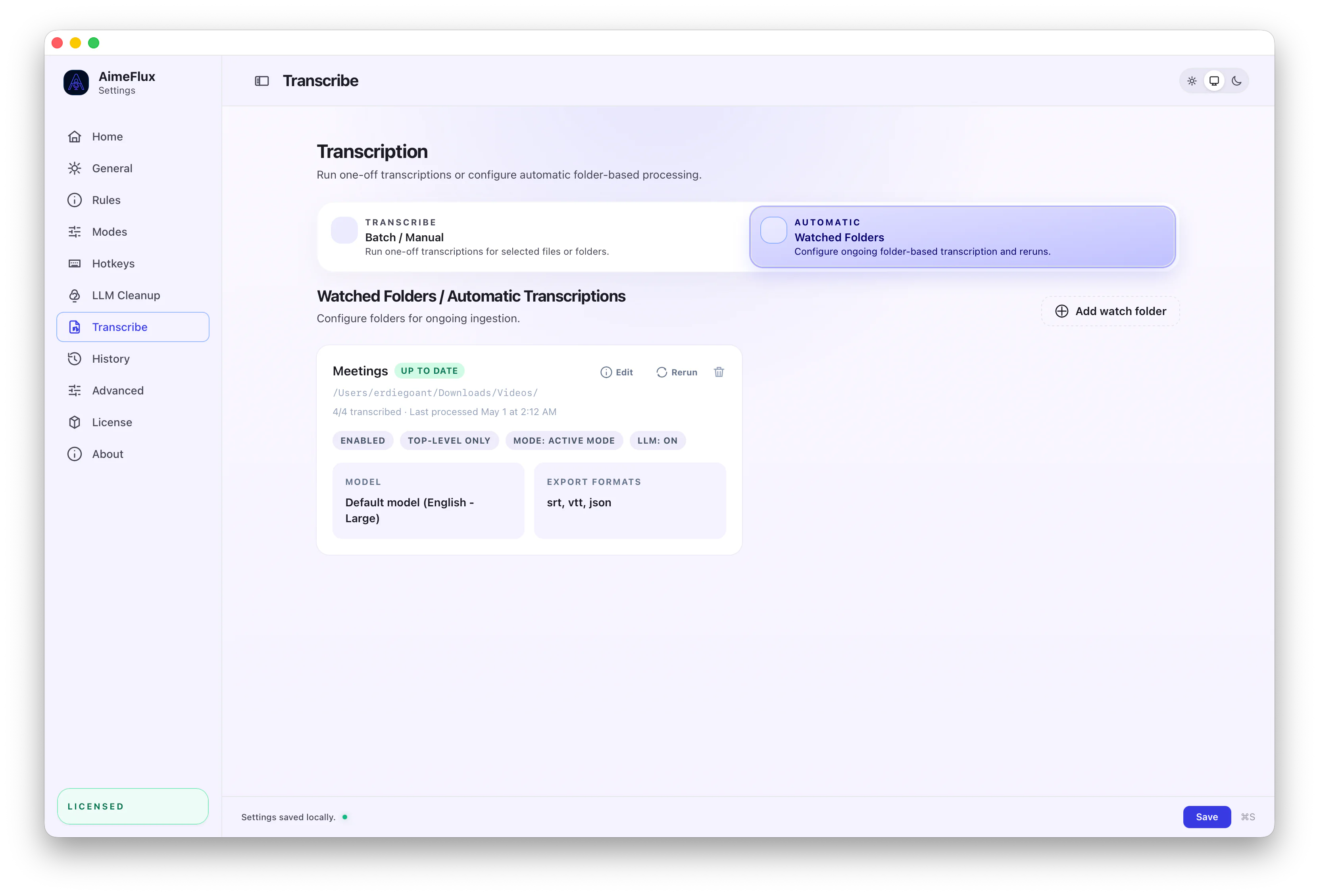
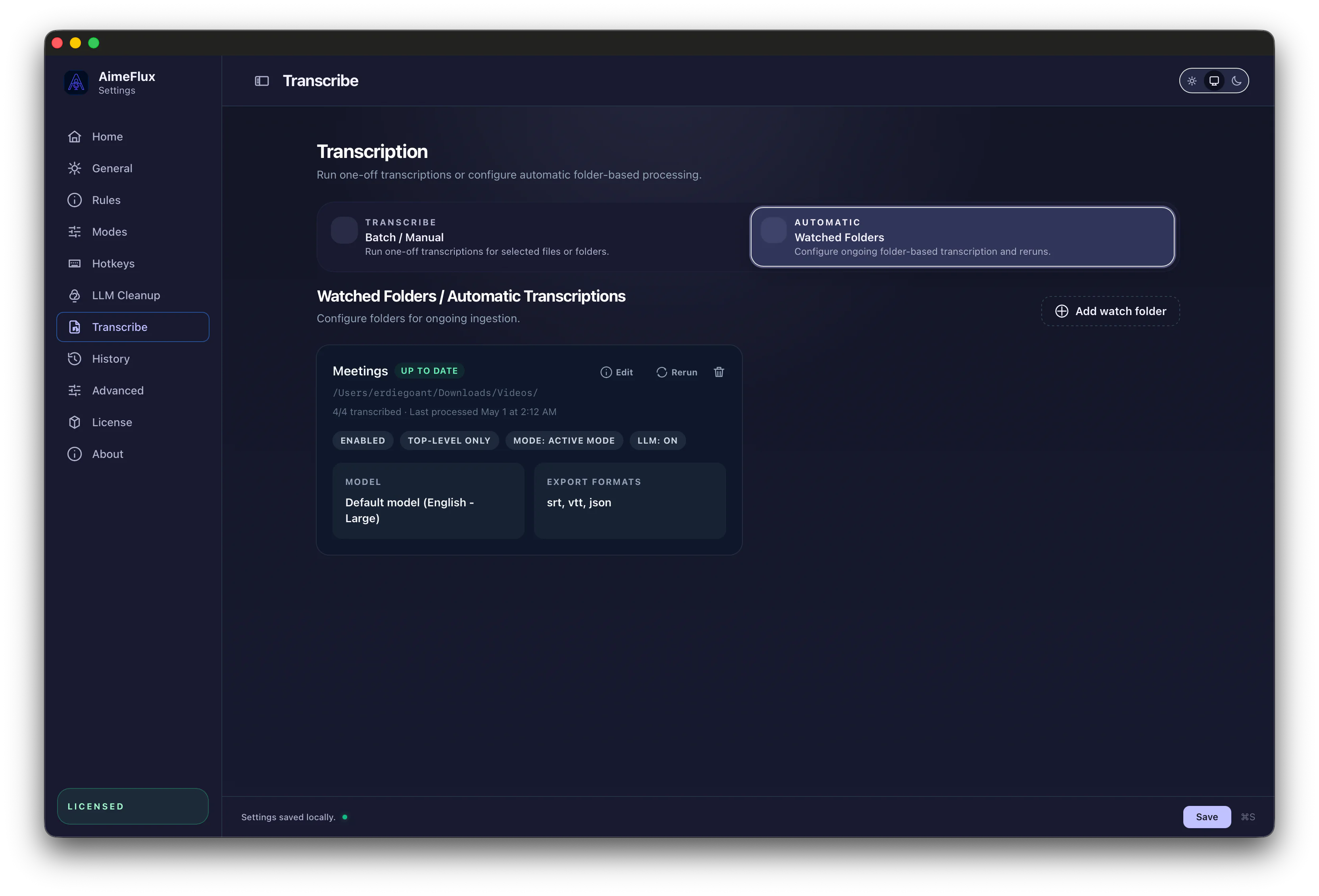
Watched Folders
Set a folder once, then let AimeFlux handle new files.
Watched folders turn repeated media work into background automation: incoming files can be scanned, transcribed, cleaned, and exported without opening another app.
Exports & Outputs
Outputs ready for editors, scripts, and publishing.
SRT
VTT
JSON