
Power User Tools
CLI, MCP, and automation for technical workflows.
The menu bar stays fast for daily capture. When you need more control, AimeFlux exposes transcription, history, reprocessing, exports, and automation to scripts and agents.
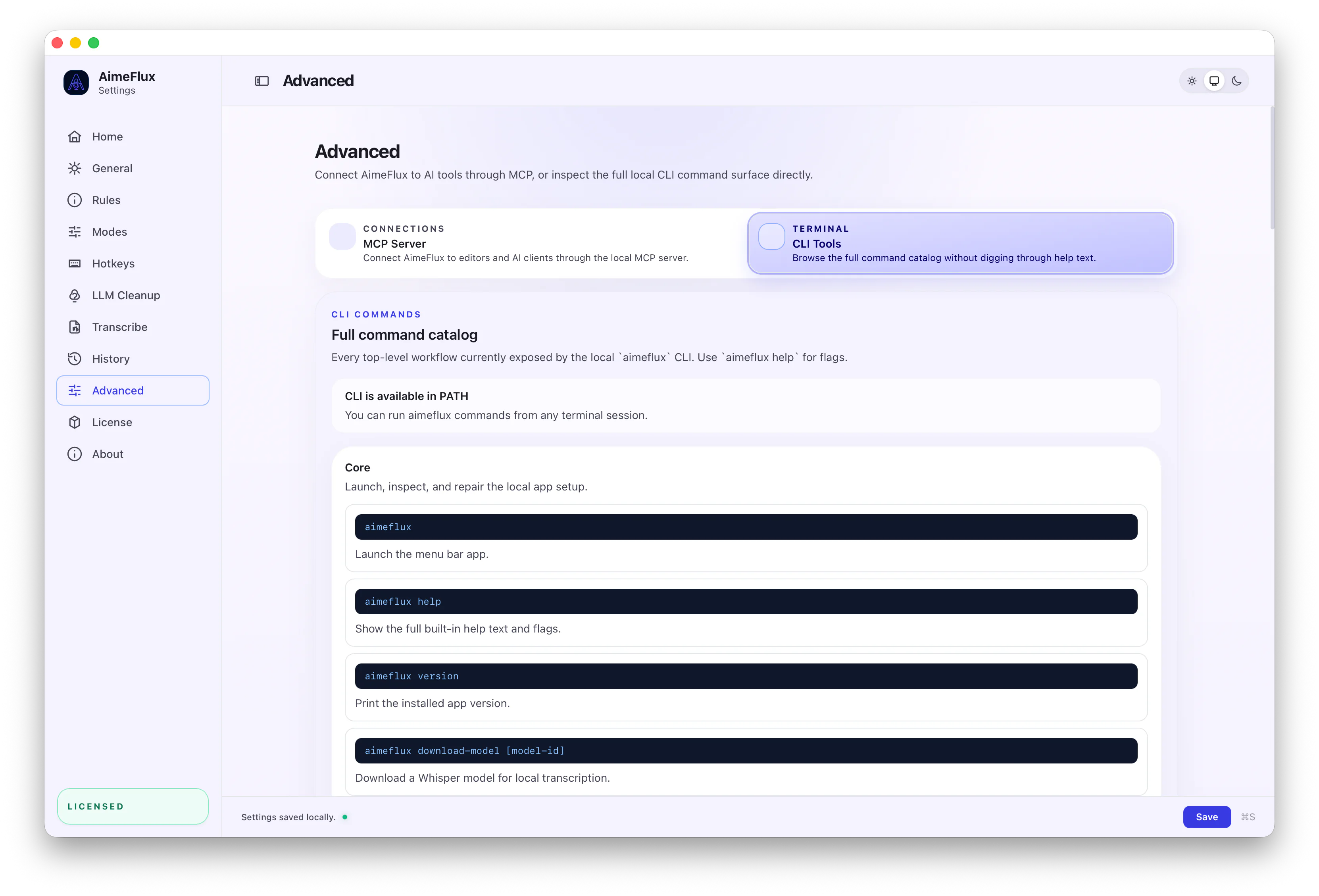
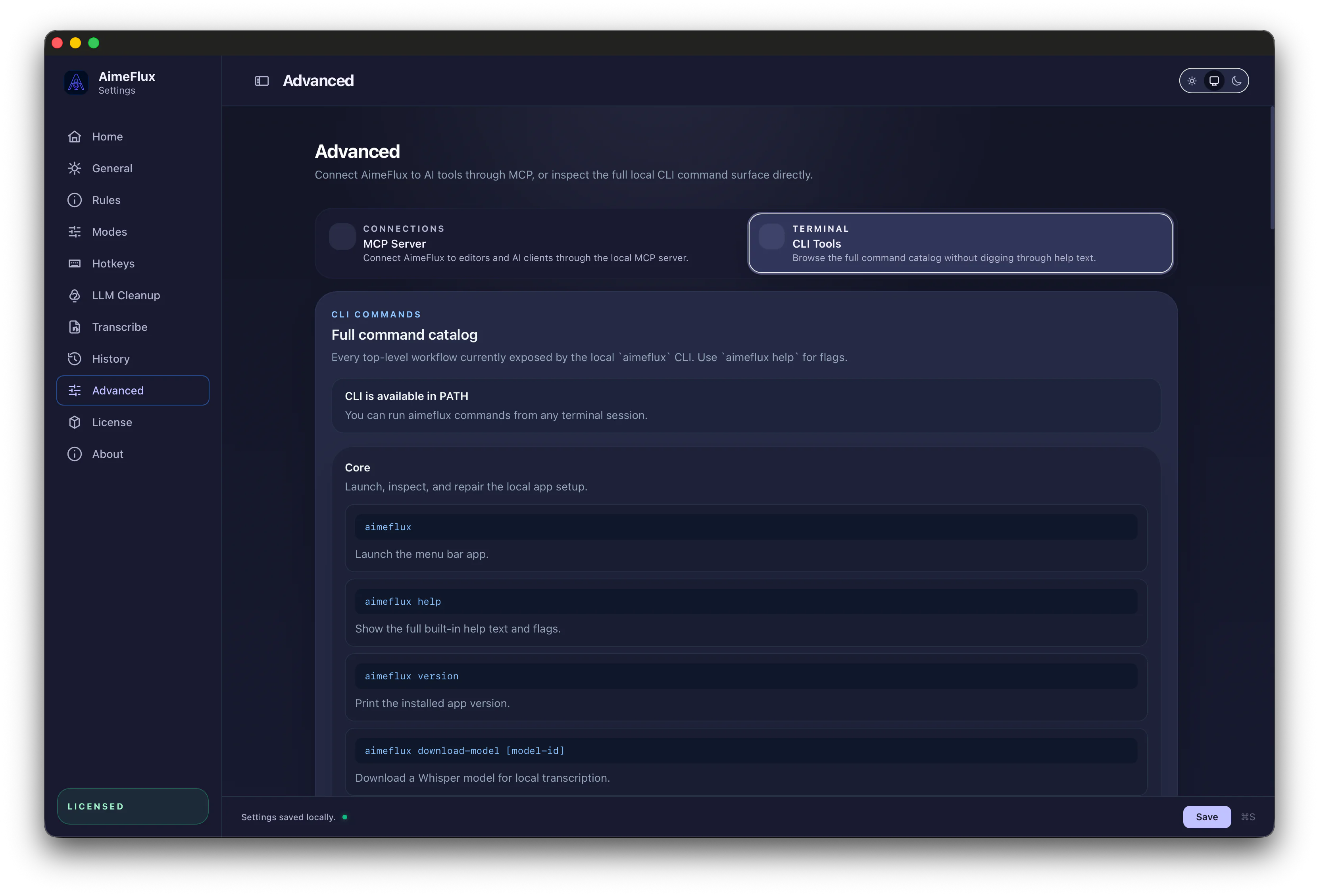
CLI Integration
Bring most of the product into scripts.
Live dictation stays in the menu bar app, but the CLI covers nearly everything else: transcription, history, reprocessing, exports, modes, automation, and integration work without opening the UI or keeping the app open.
aimeflux transcribe release-notes.mp4 --format srt,json
aimeflux history search "standup notes"
aimeflux reprocess 184 --mode support --llm-mode on
MCP Integration
Let agents search, read, and reprocess transcripts.
MCP support makes AimeFlux available to AI tools that need searchable history, transcript access, collections, semantic search, or controlled reprocessing with different modes and cleanup settings. Private modes and private collections stay hidden from MCP results.
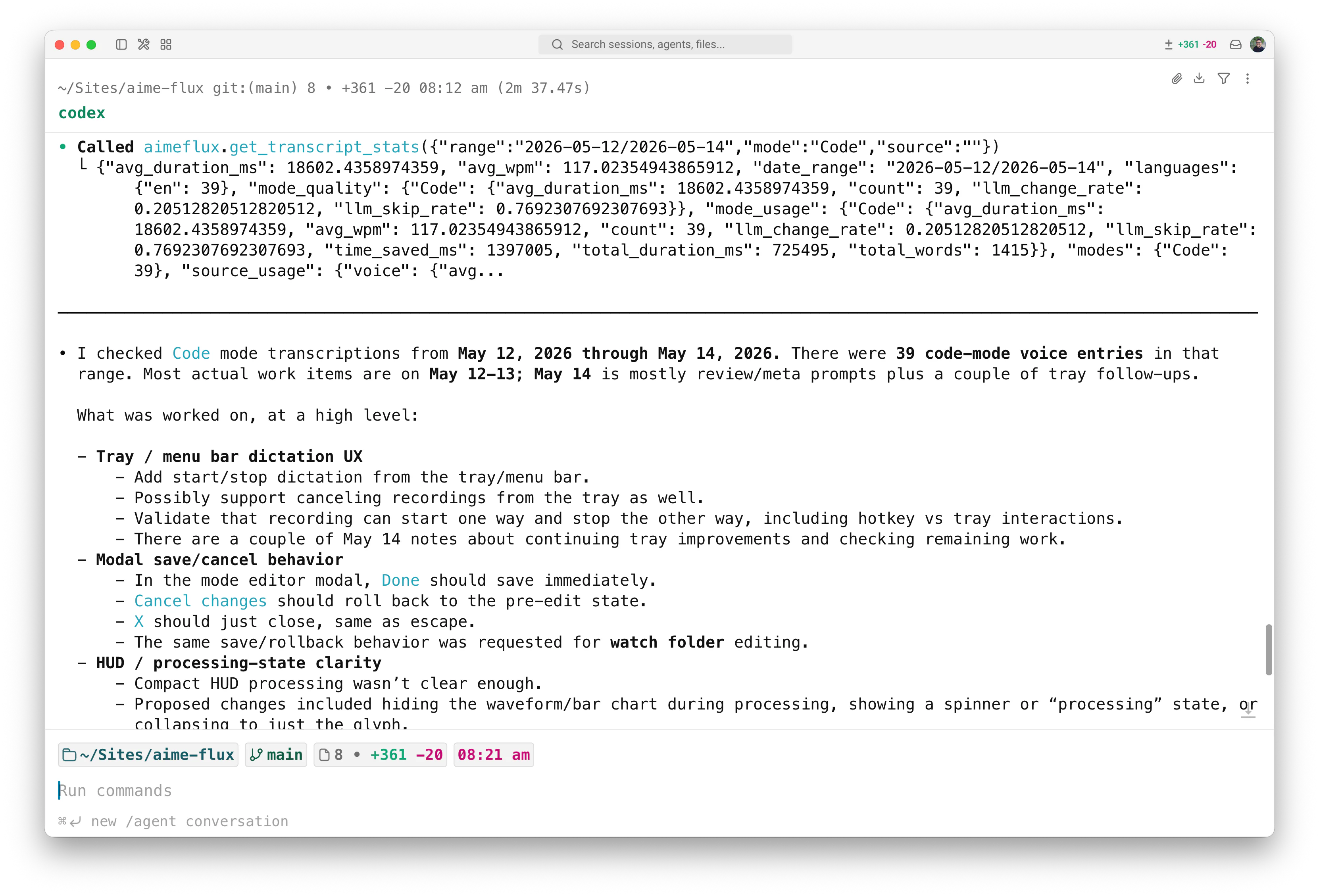
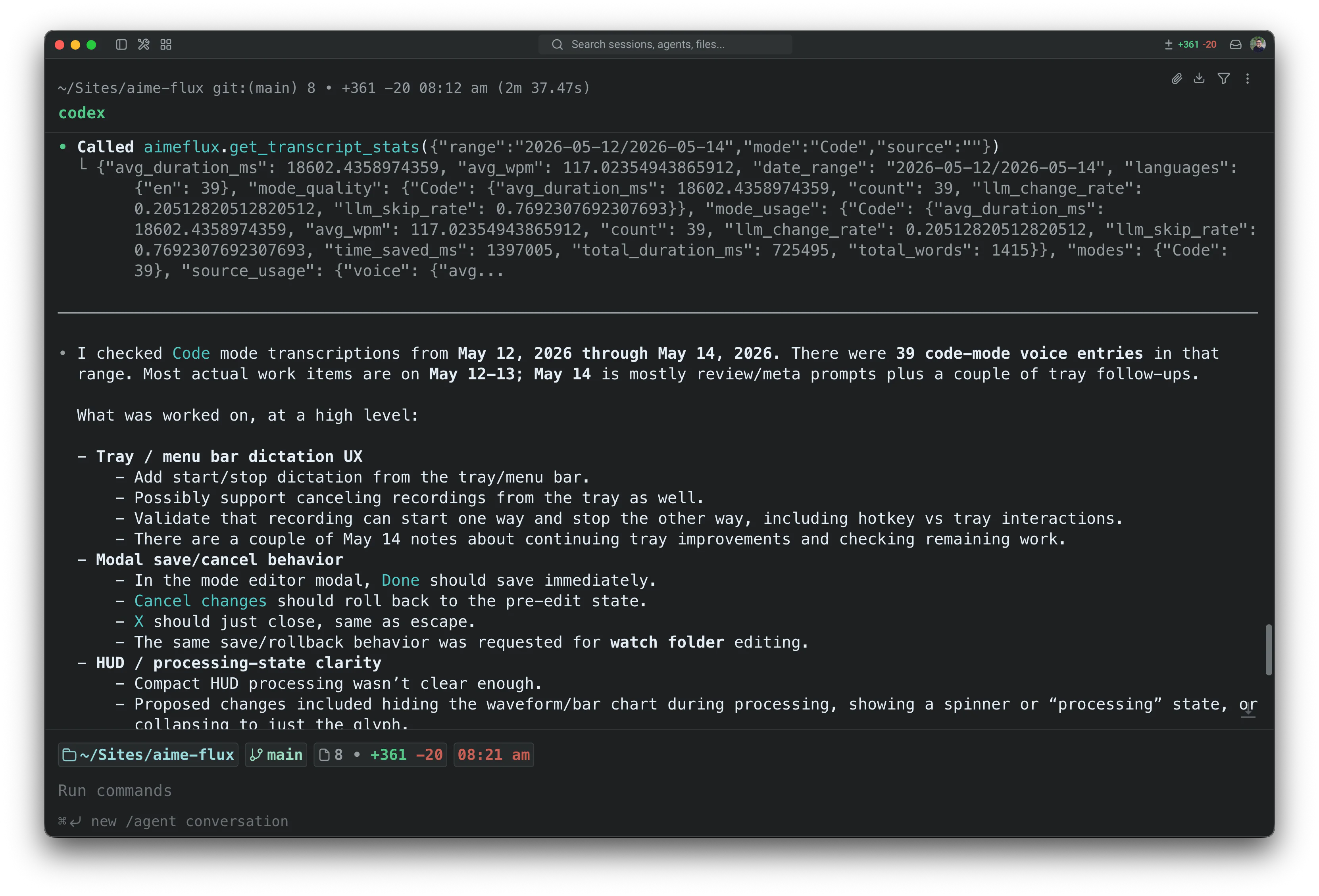
Workflow Demo
Voice-controlled agent workflows.
Use AimeFlux dictation to drive Agents, then let the MCP server fetch past transcripts, summarize work, and reuse your voice history without opening the menu bar app.
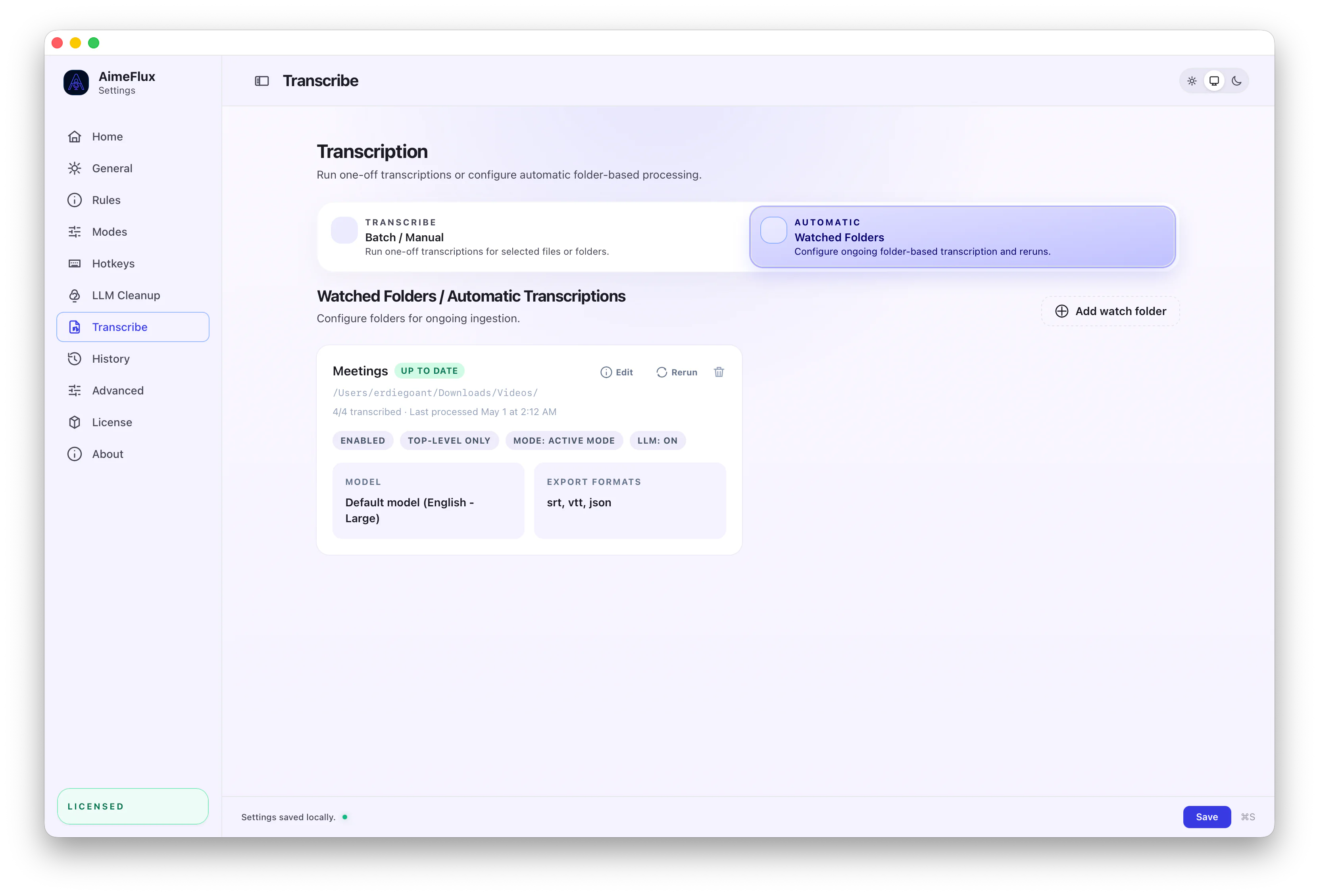
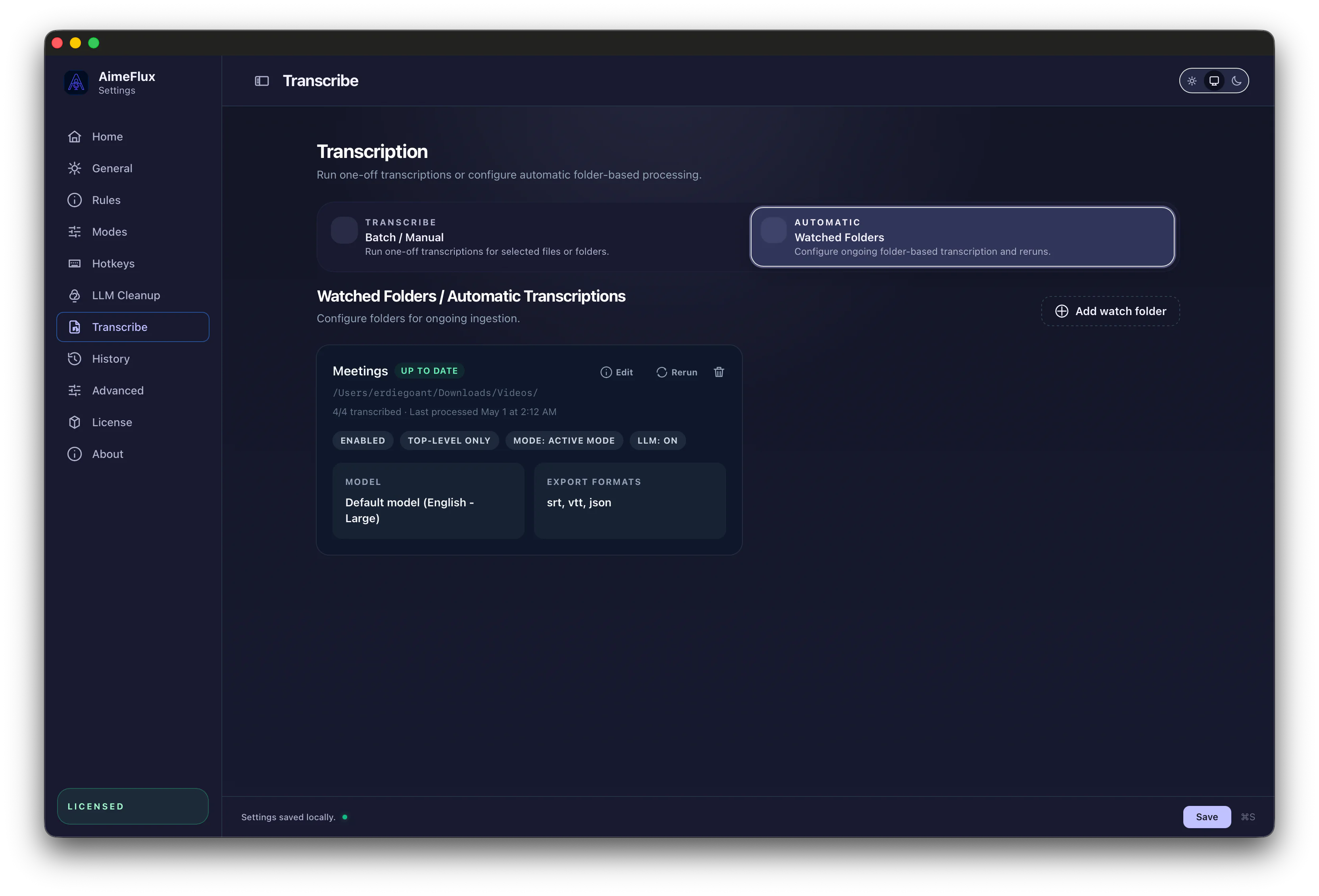
File Transcription
Run media jobs with the same controls.
File transcription uses the same primitives as the app: batches, watched folders, cleanup toggles, model selection, mode selection, subtitles, and structured exports.
Open File TranscriptionAutomation Workflows