Toggle Mode
Start recording, speak at your pace, then stop when you are done. This is the normal hands-free flow for longer dictation, notes, replies, and drafts.
Features Overview
Every capture moves through clear stages: local Whisper transcription, your rules, optional AI cleanup, final output, then history for search and reprocessing.
Dictation Modes
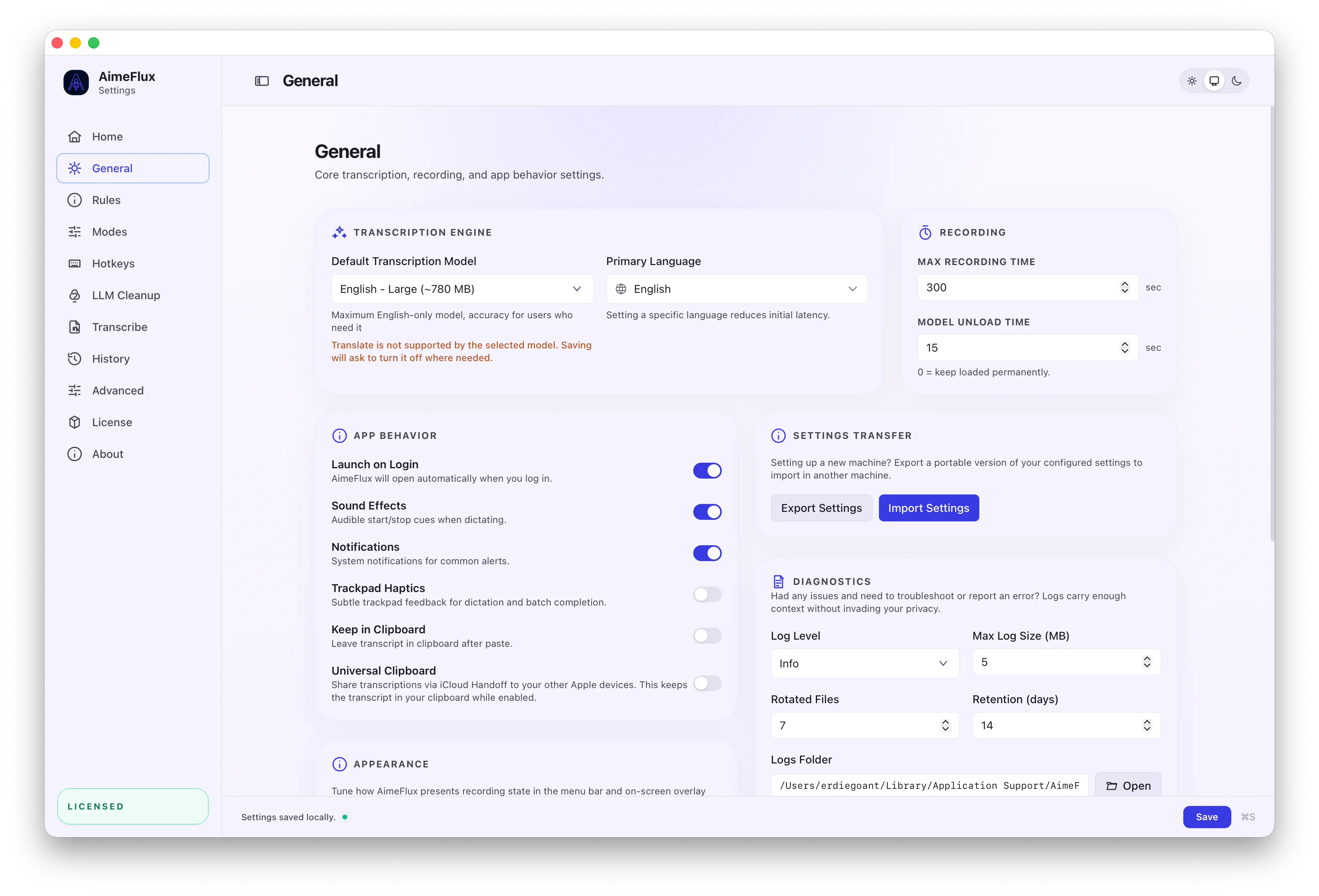
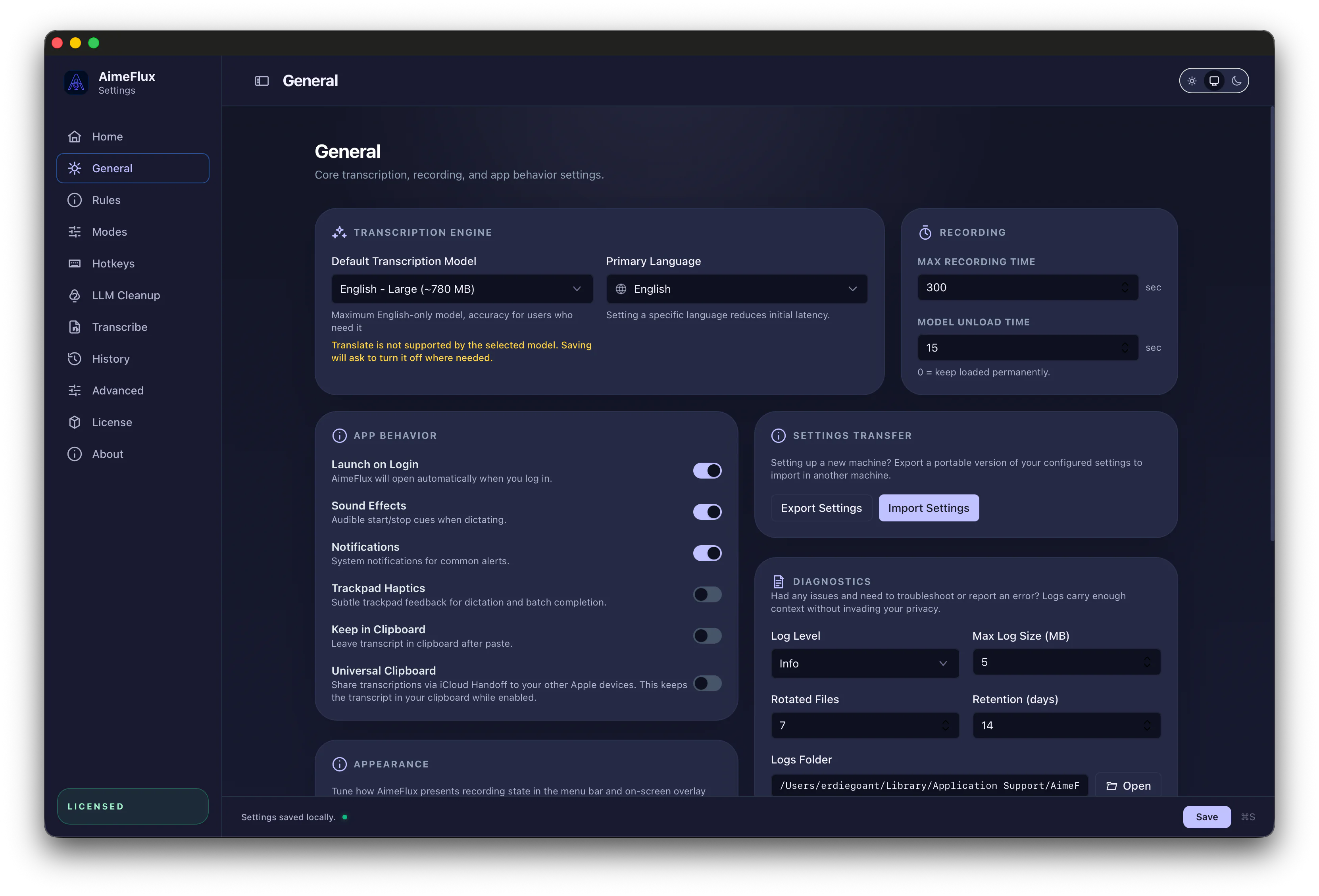
Use AimeFlux like a normal dictation tool, hold a shortcut for intentional capture, or save thoughts to Collections when you do not want to interrupt your current app.
Start recording, speak at your pace, then stop when you are done. This is the normal hands-free flow for longer dictation, notes, replies, and drafts.
Hold a key or key combo while you speak, then release to finish. It is built for short commands, quick edits, and moments when you want capture to be deliberate.
Save a one-off thought or idea to history without inserting text into the app you are using. Quick Captures land in Collections so you can organize them later.
History & Processing
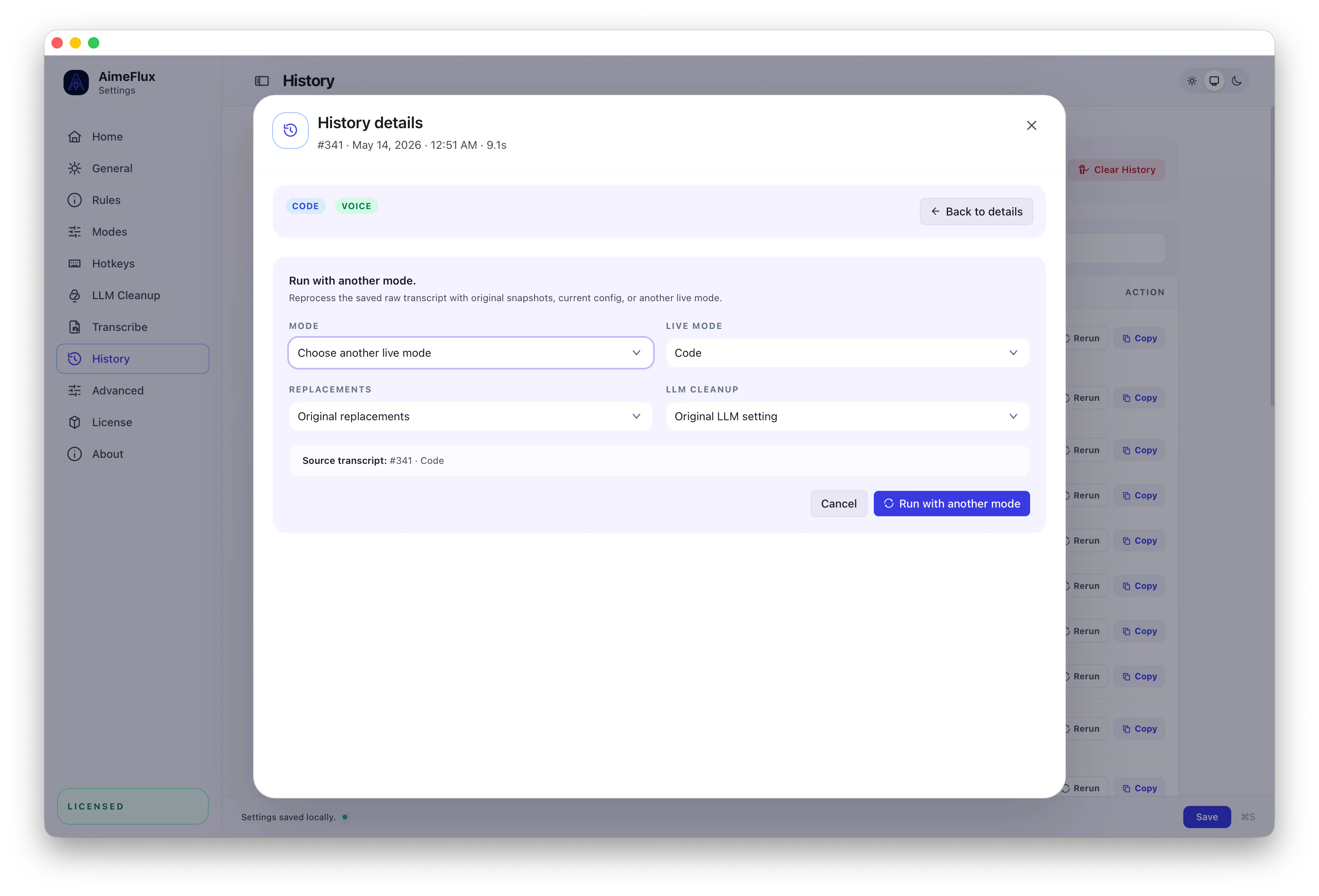
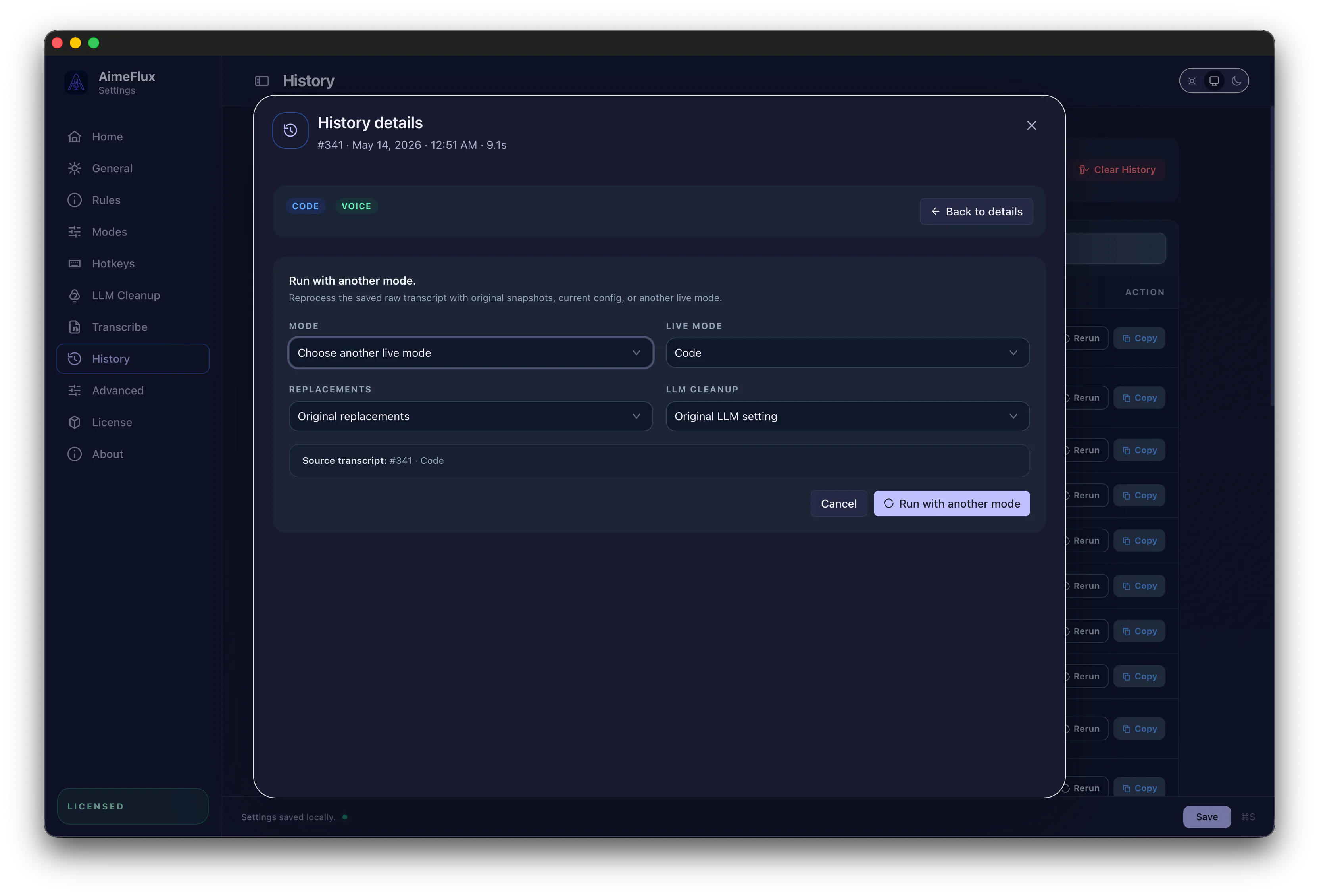
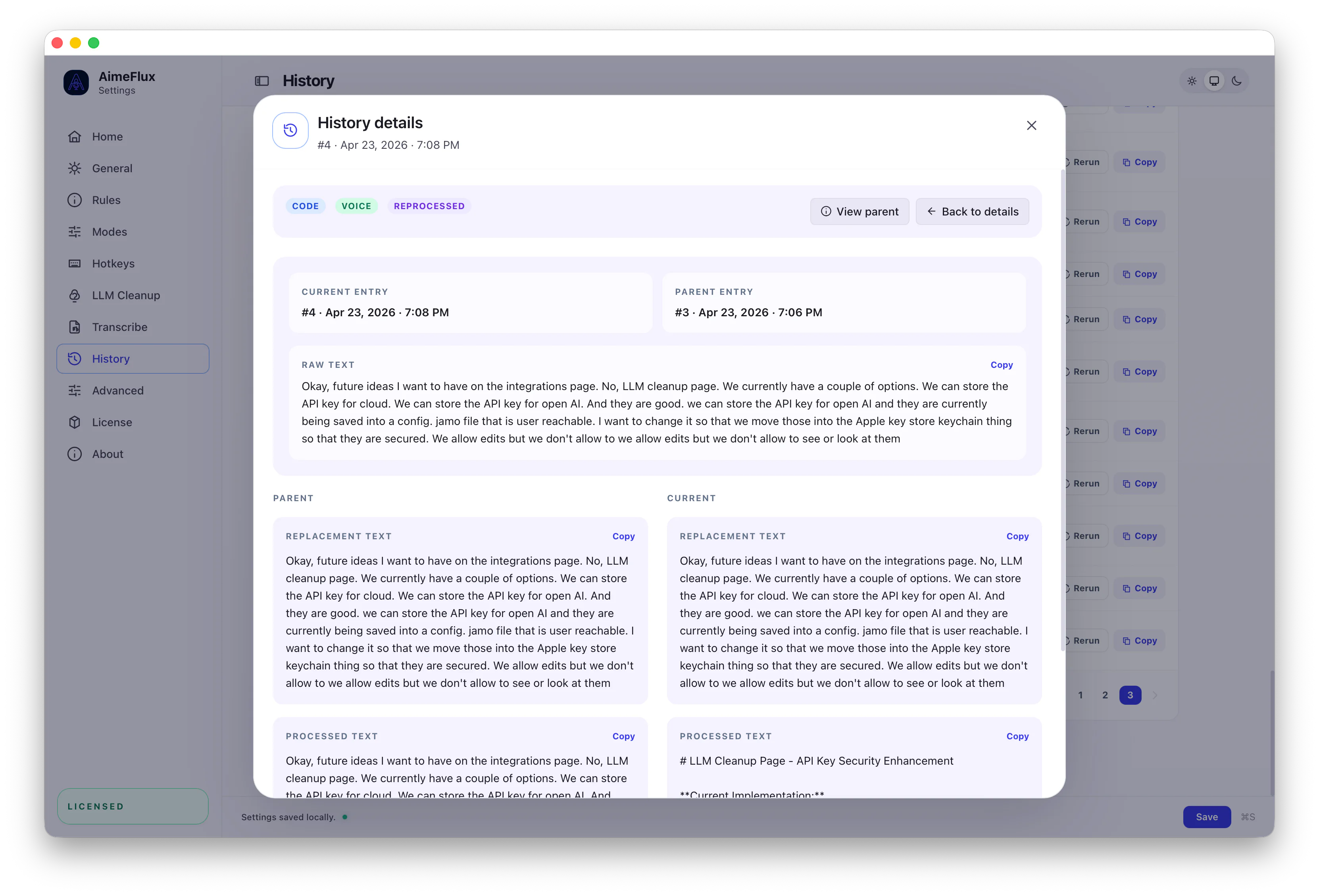
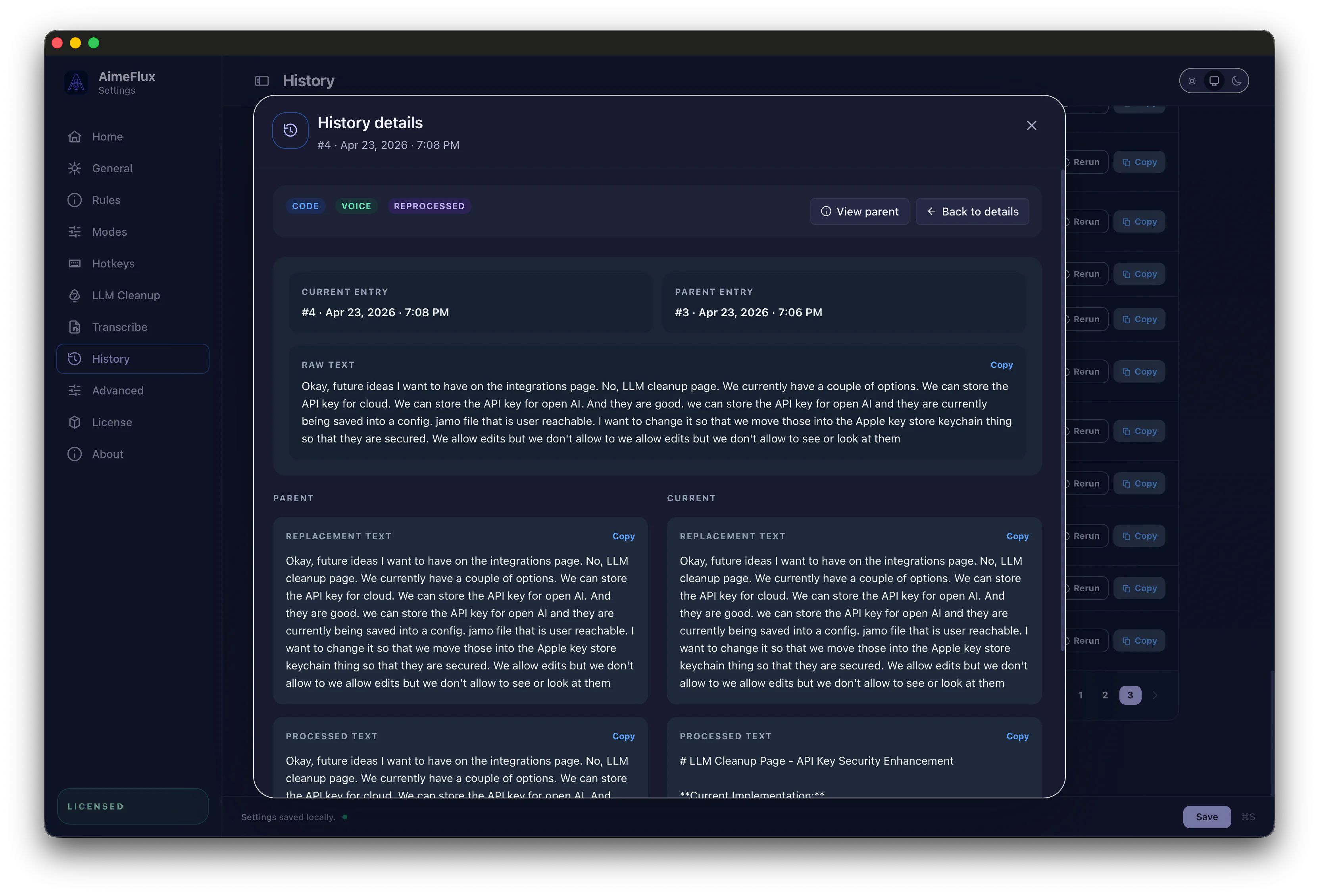
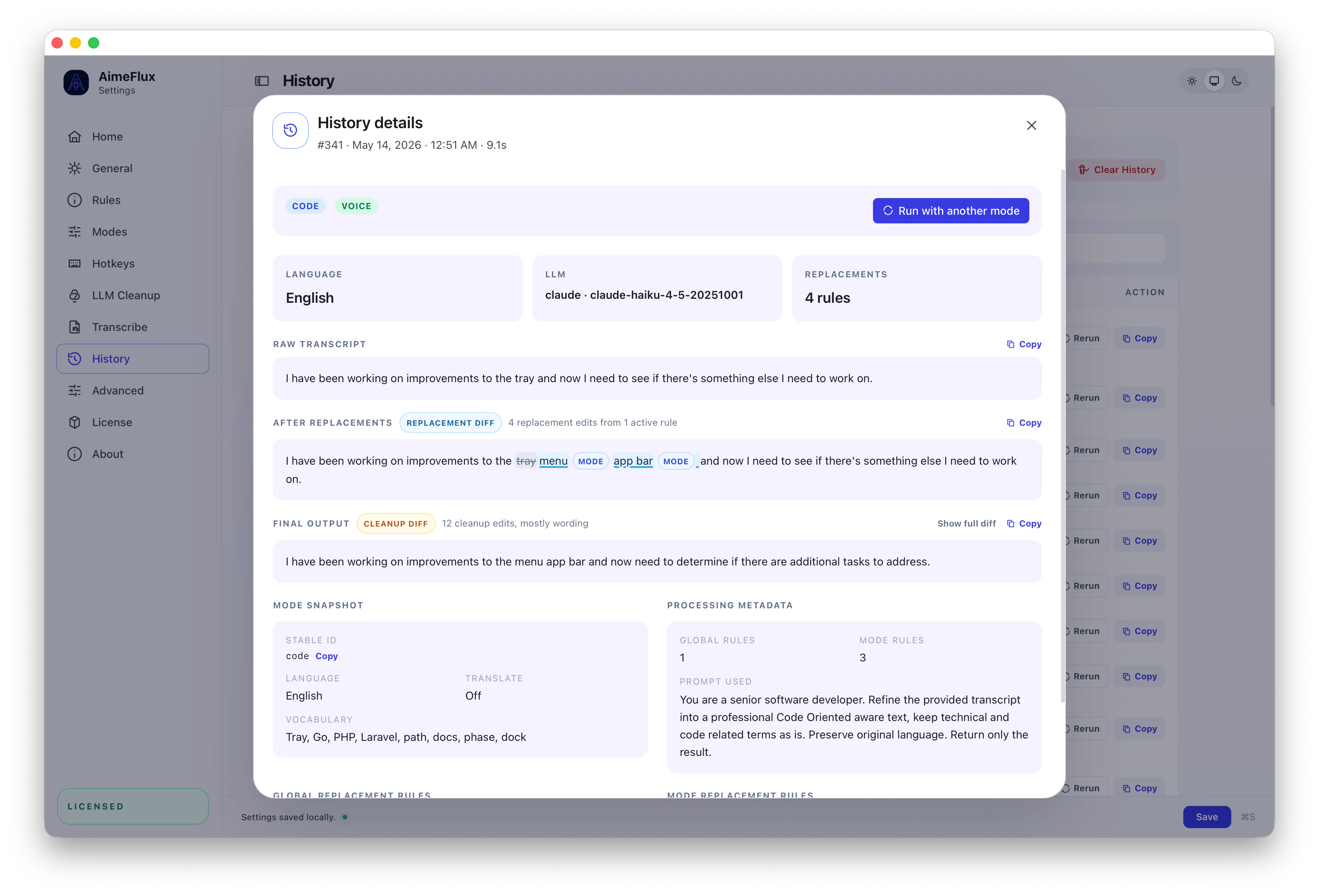
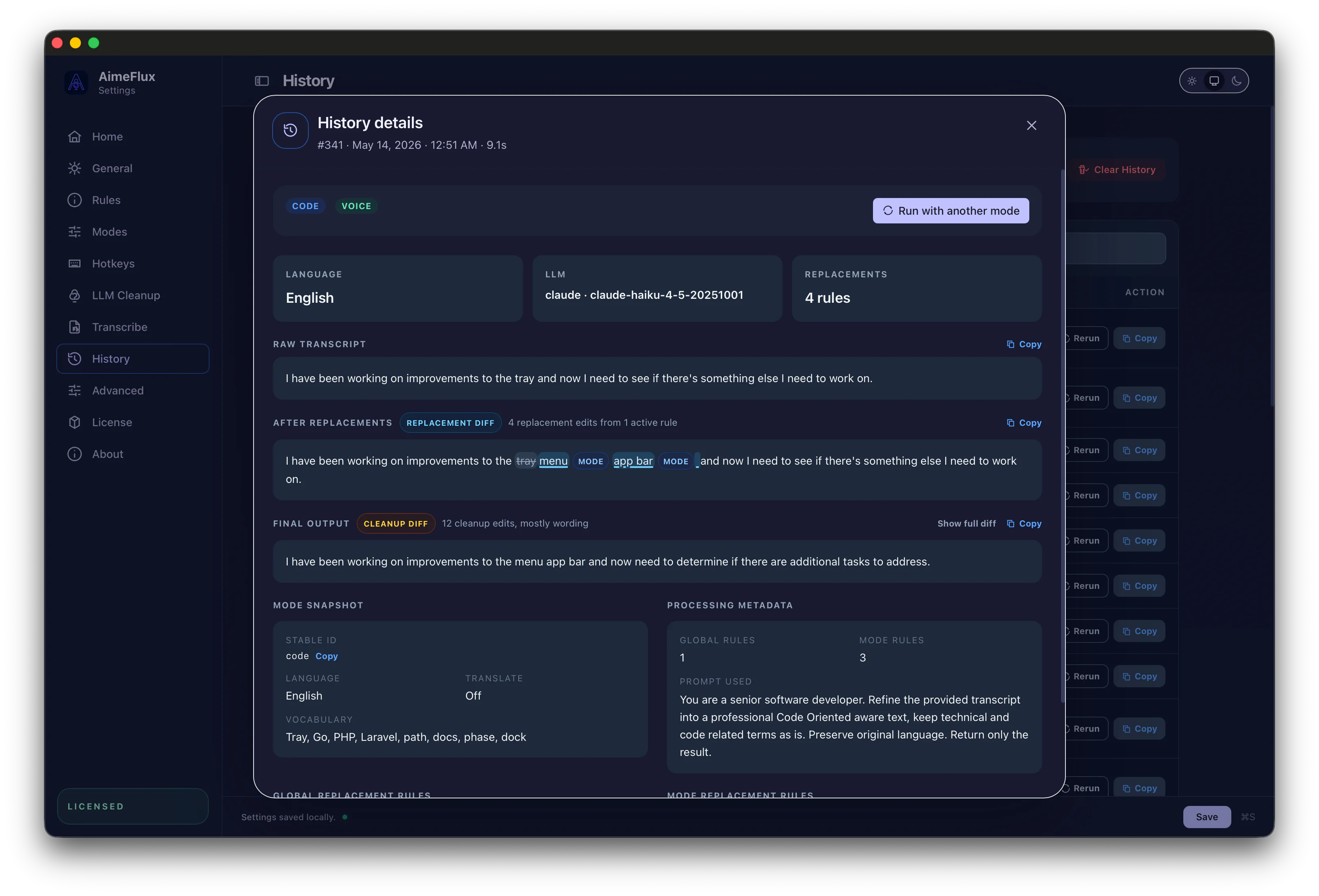
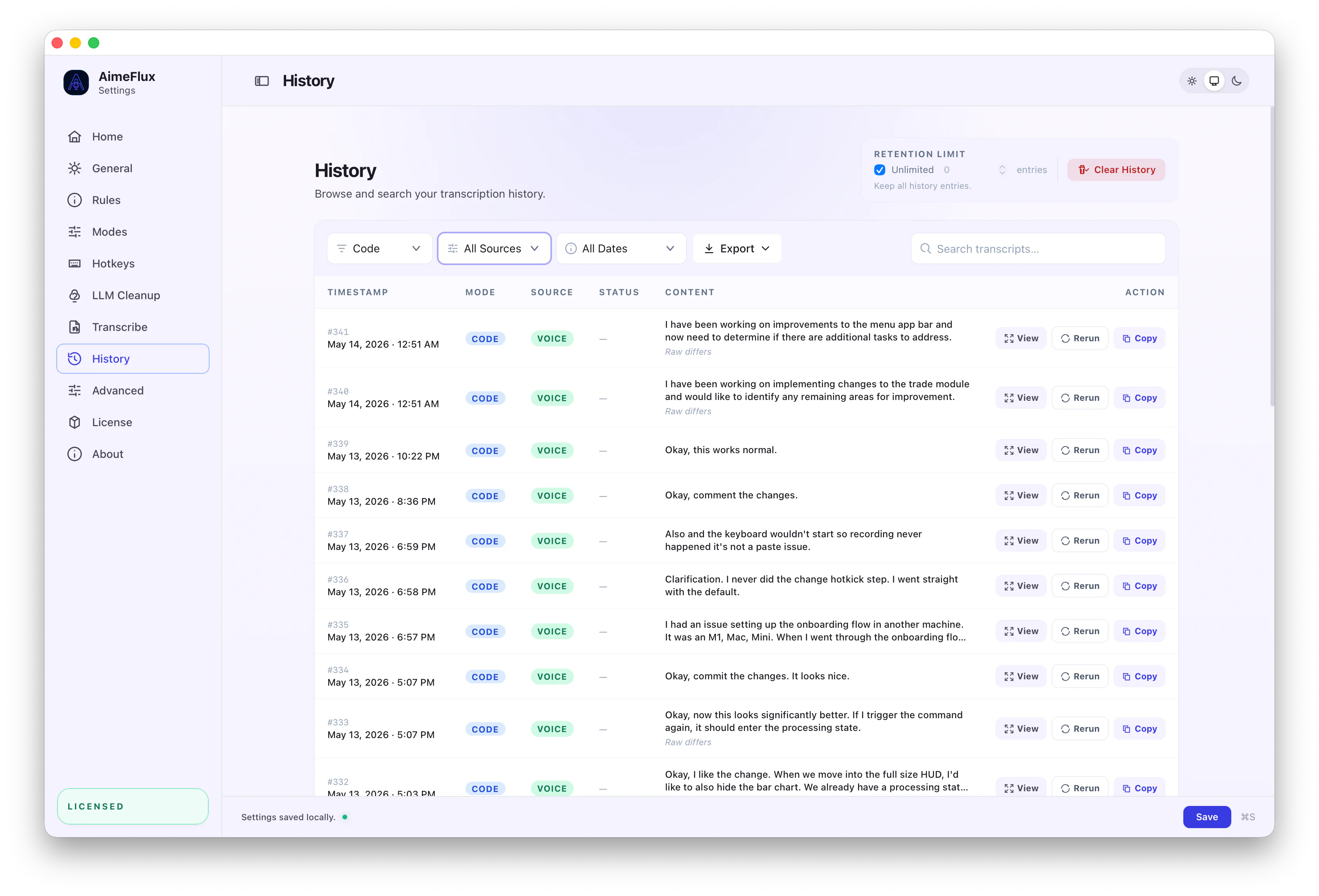
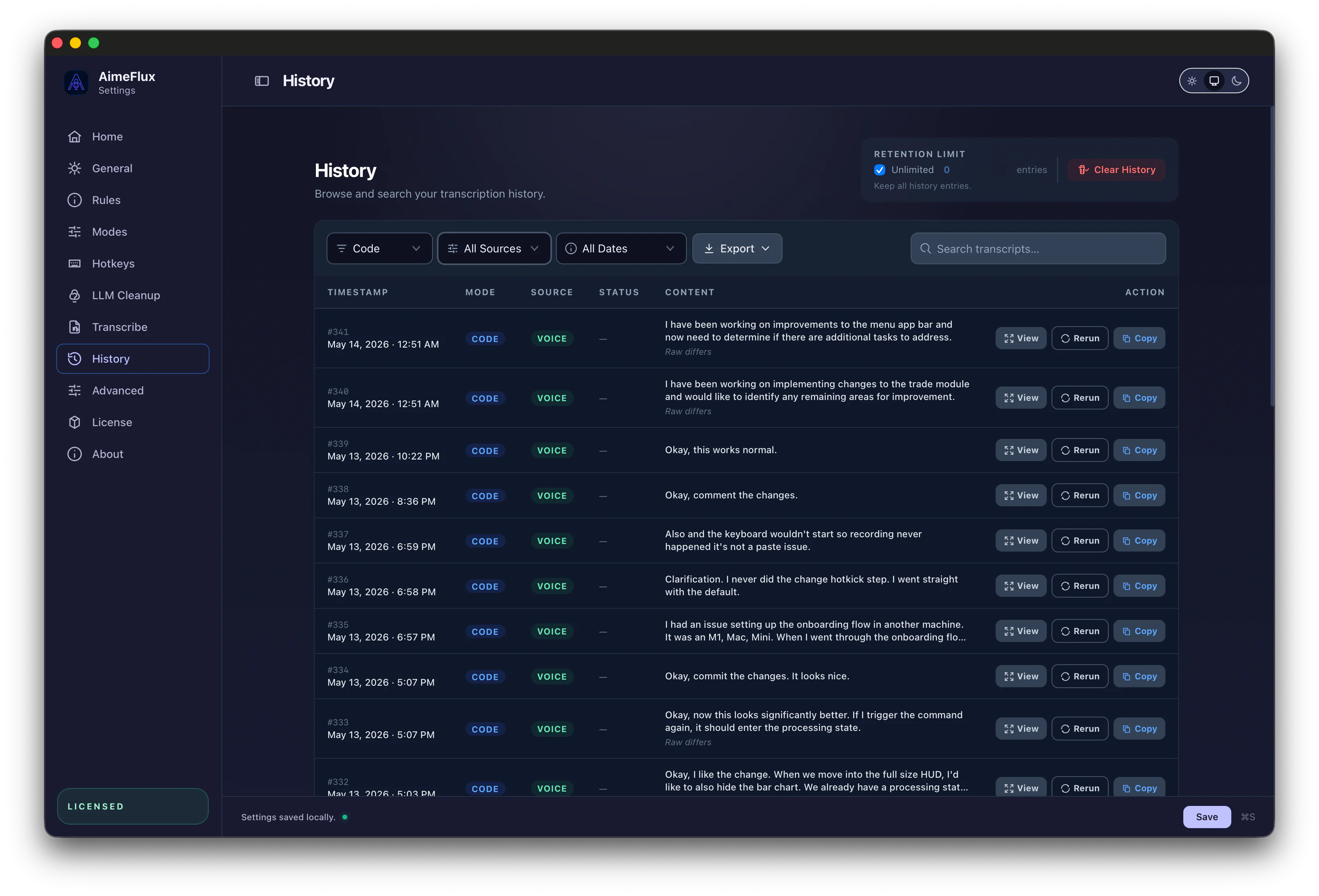
Search, processing diffs, reprocessing, and parent comparisons answer the practical question: what happened to this transcript, and what can I still do with it?
The first run is not the end. History gives you a searchable place to revisit transcripts, inspect output, and reuse earlier material.
Collections
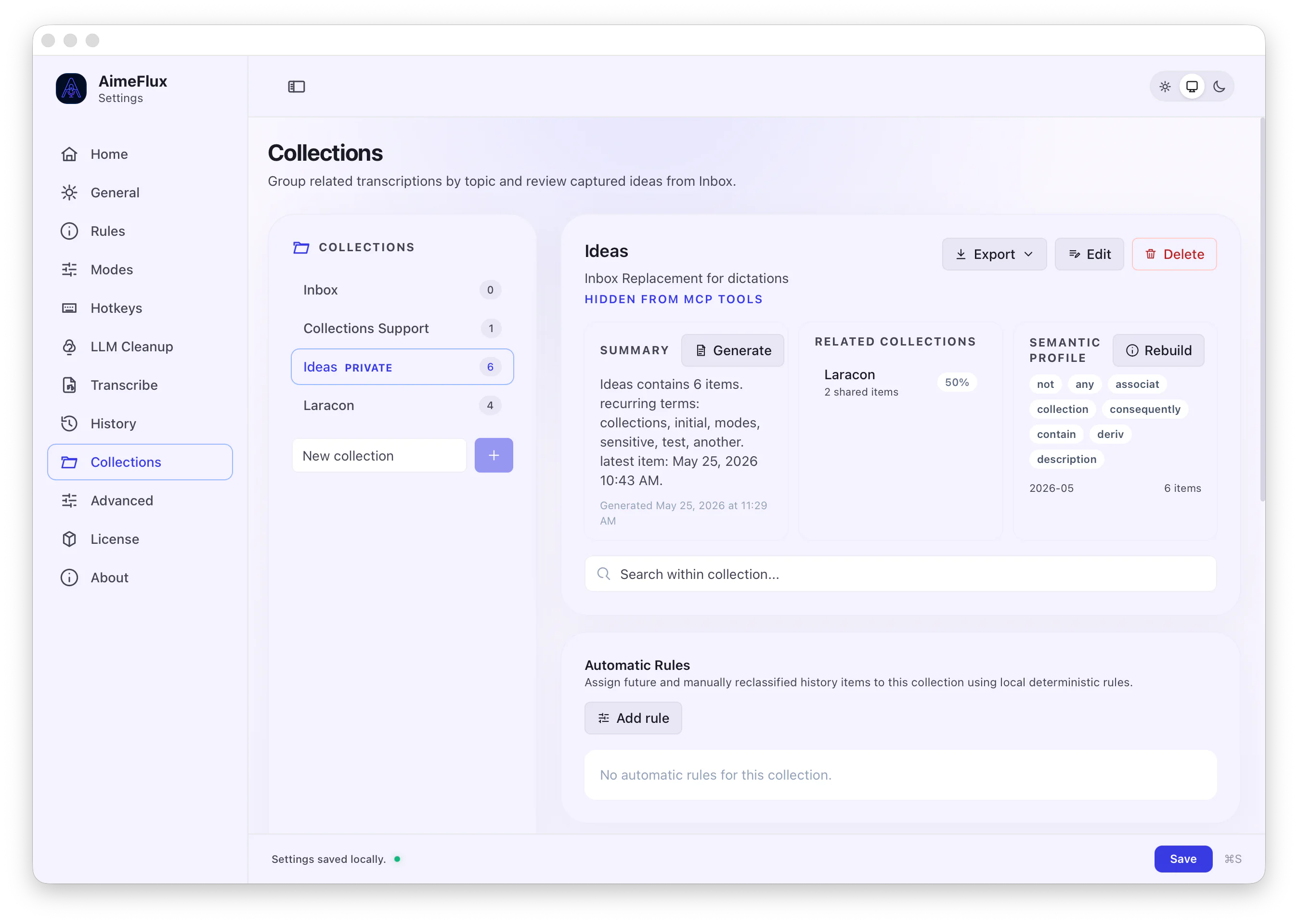
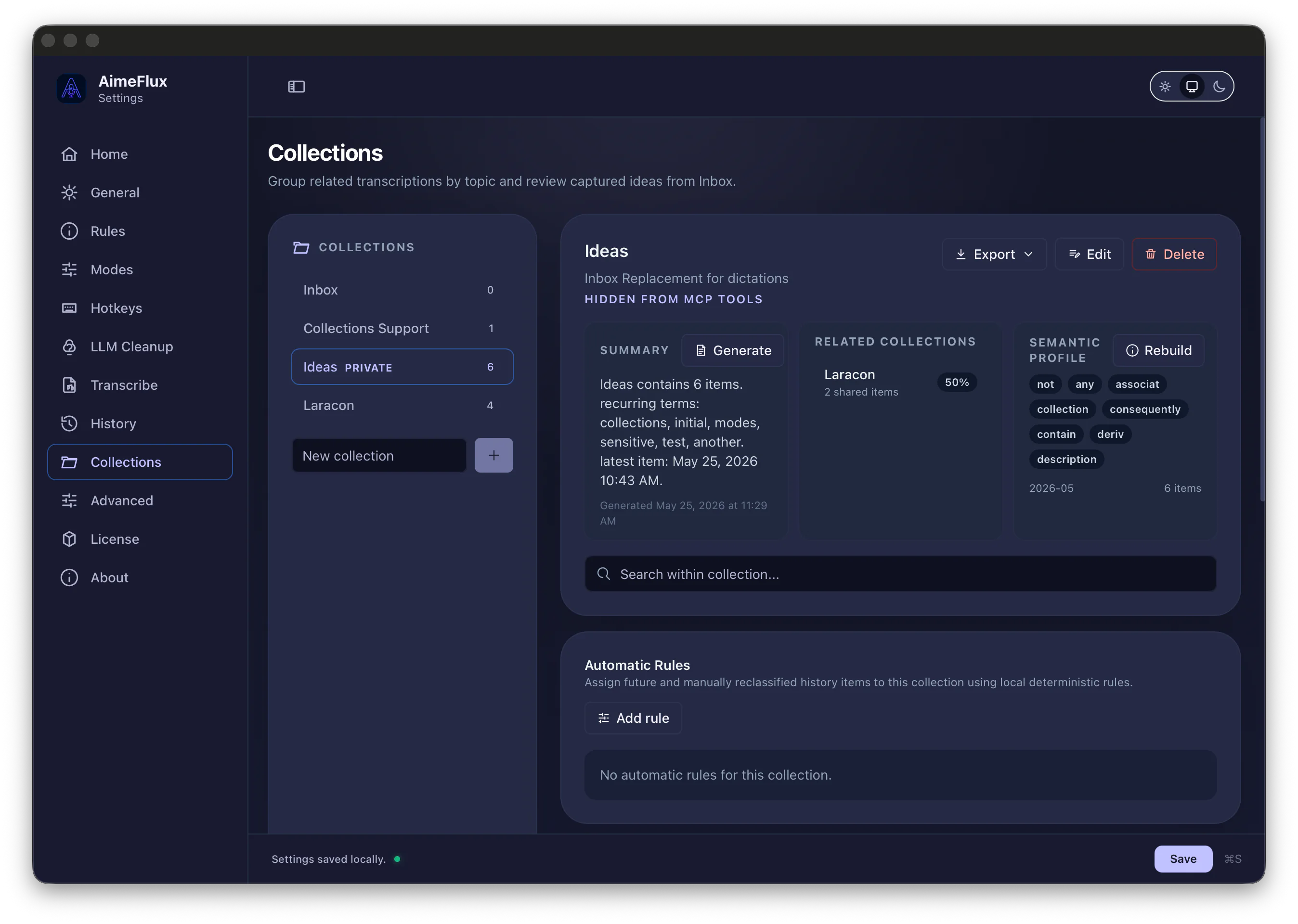
Collections help history become more than a timeline. Group related captures, review uncategorized items in Inbox, and let rules keep recurring work organized automatically.
Rules & Modes
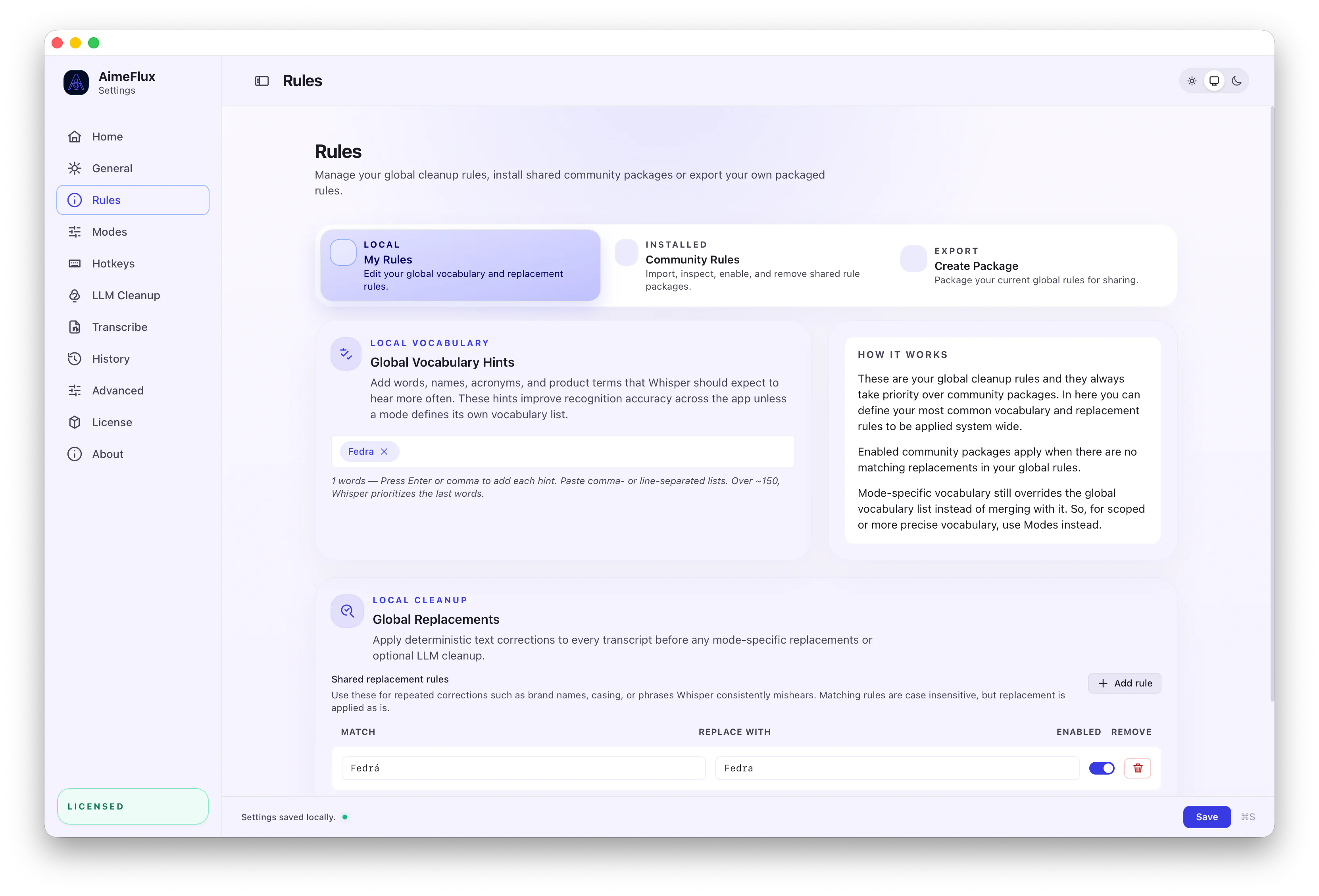
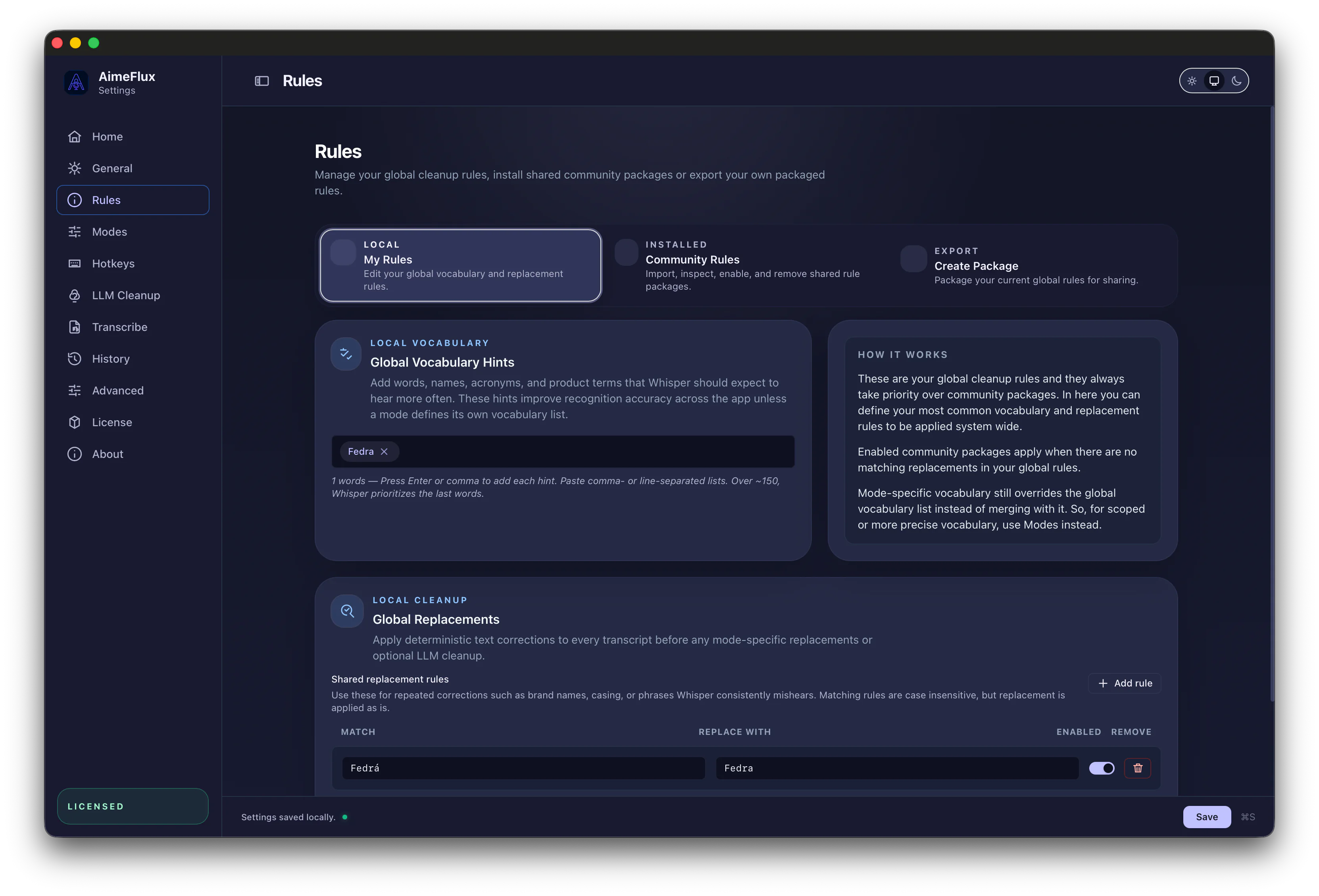
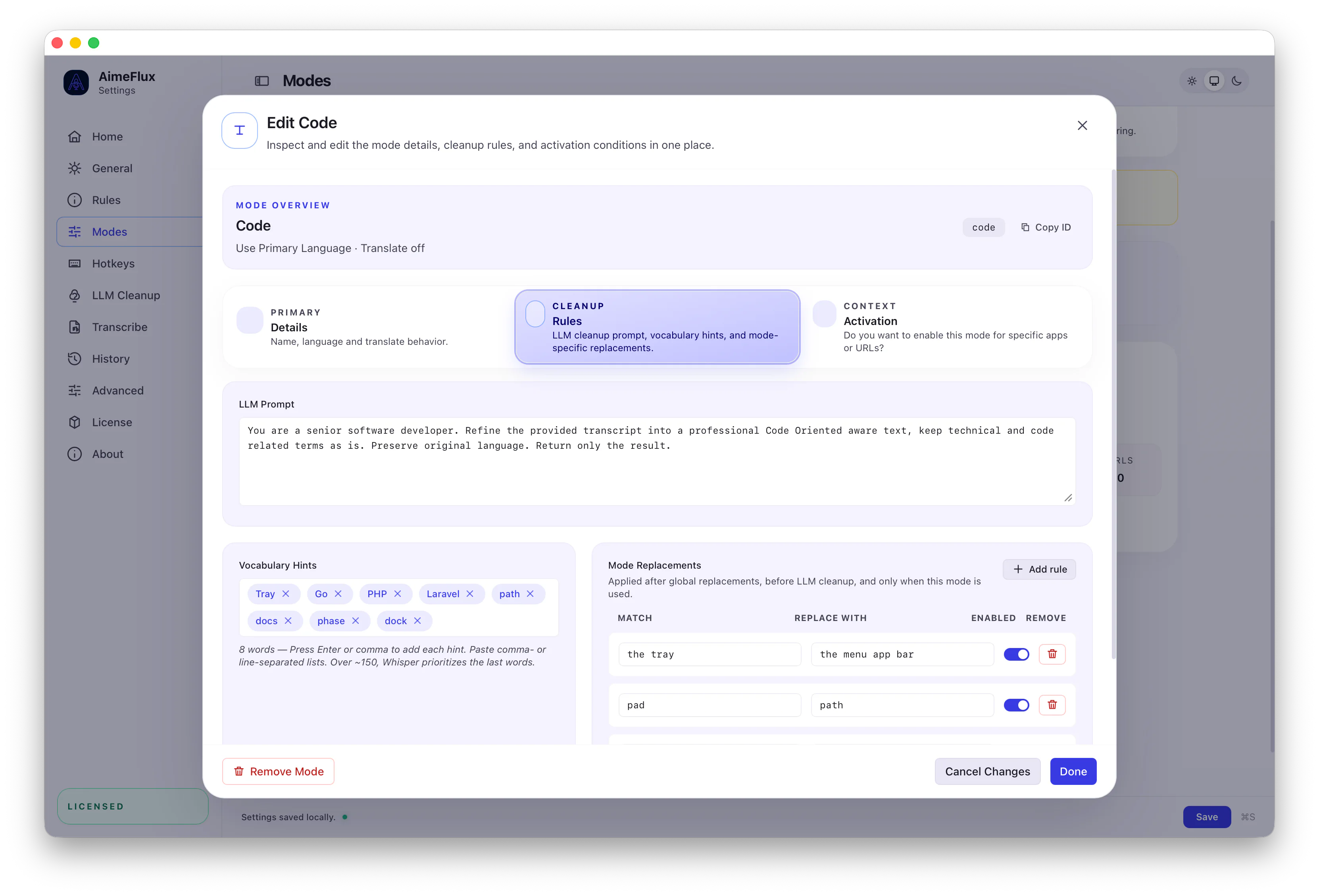
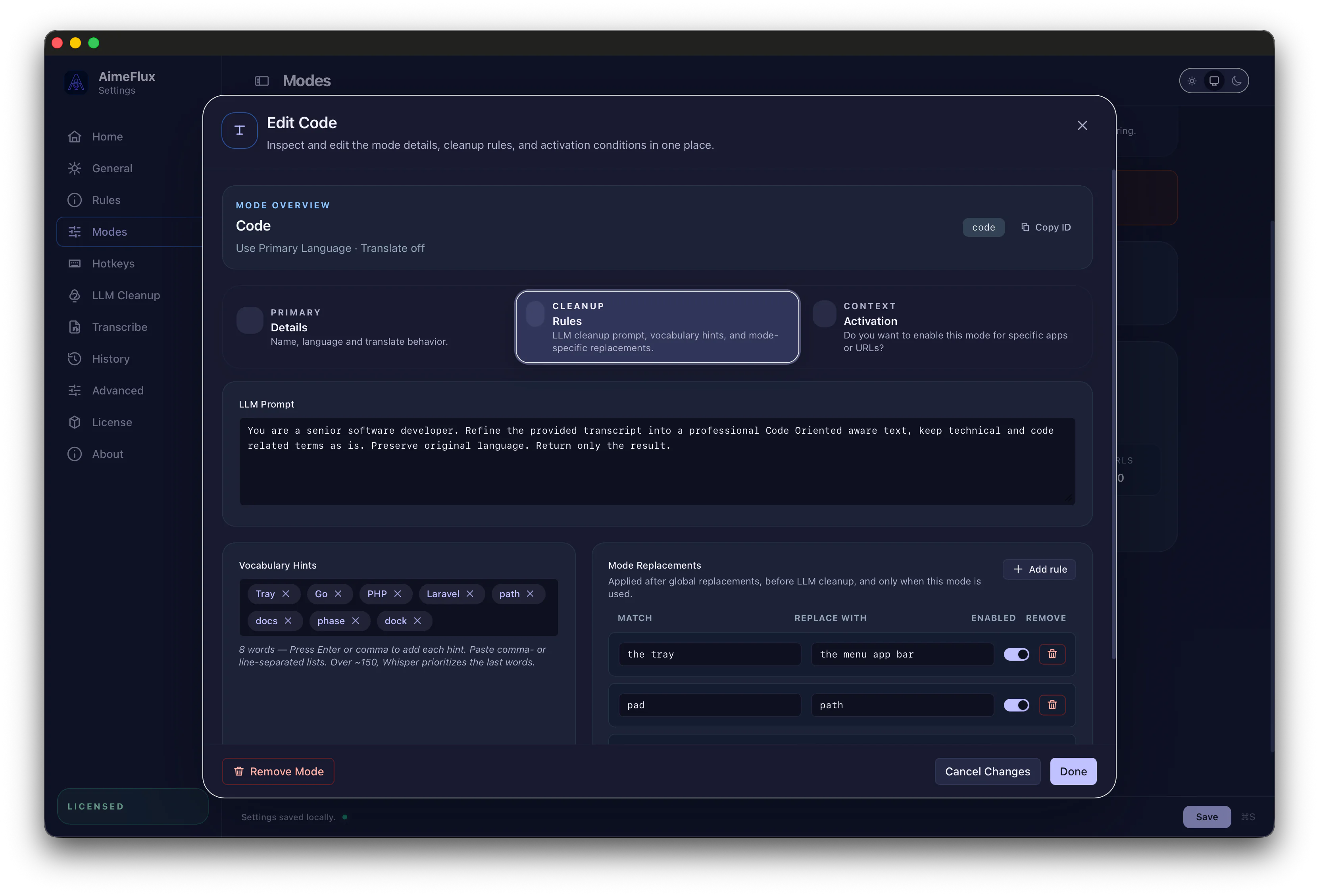
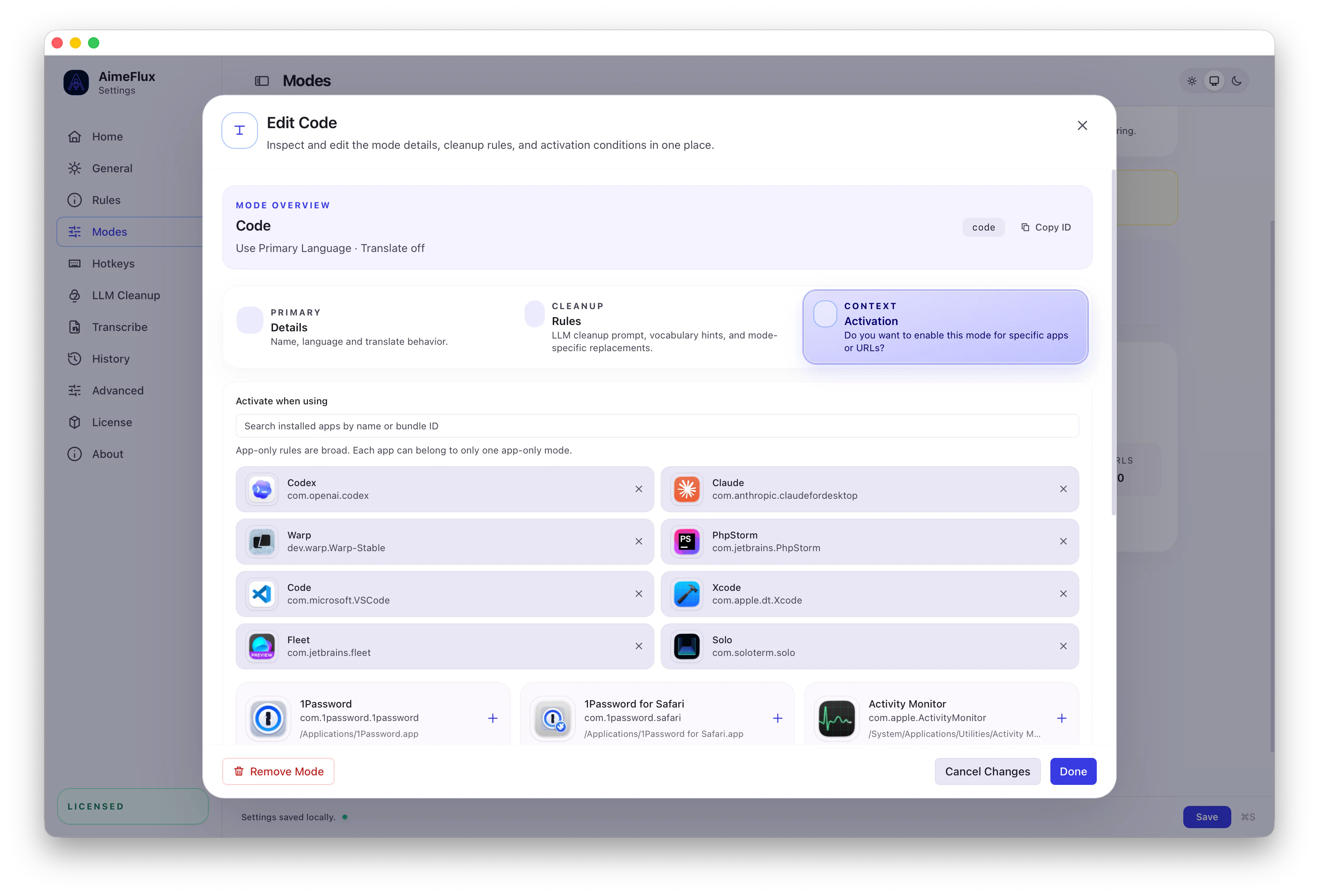
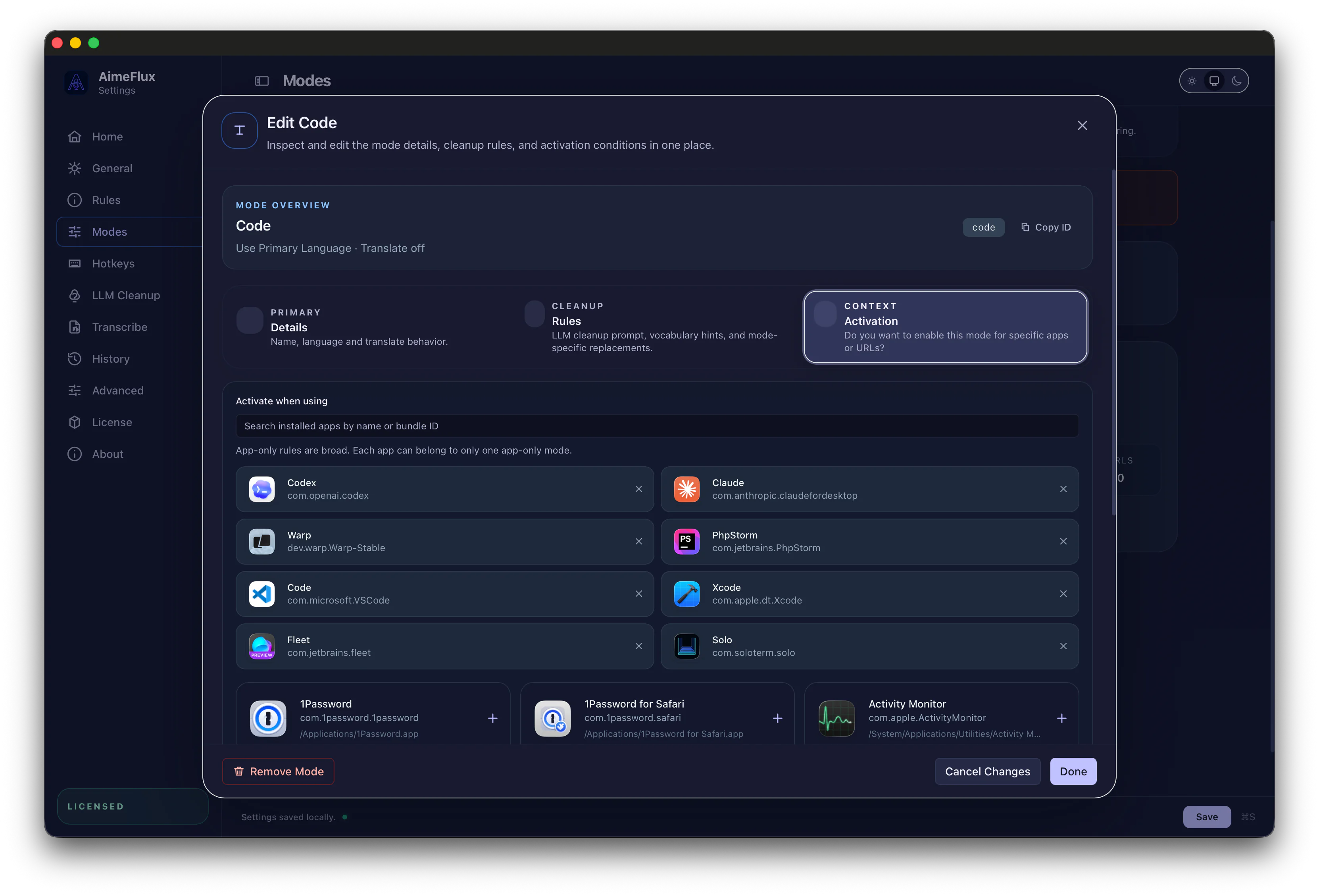
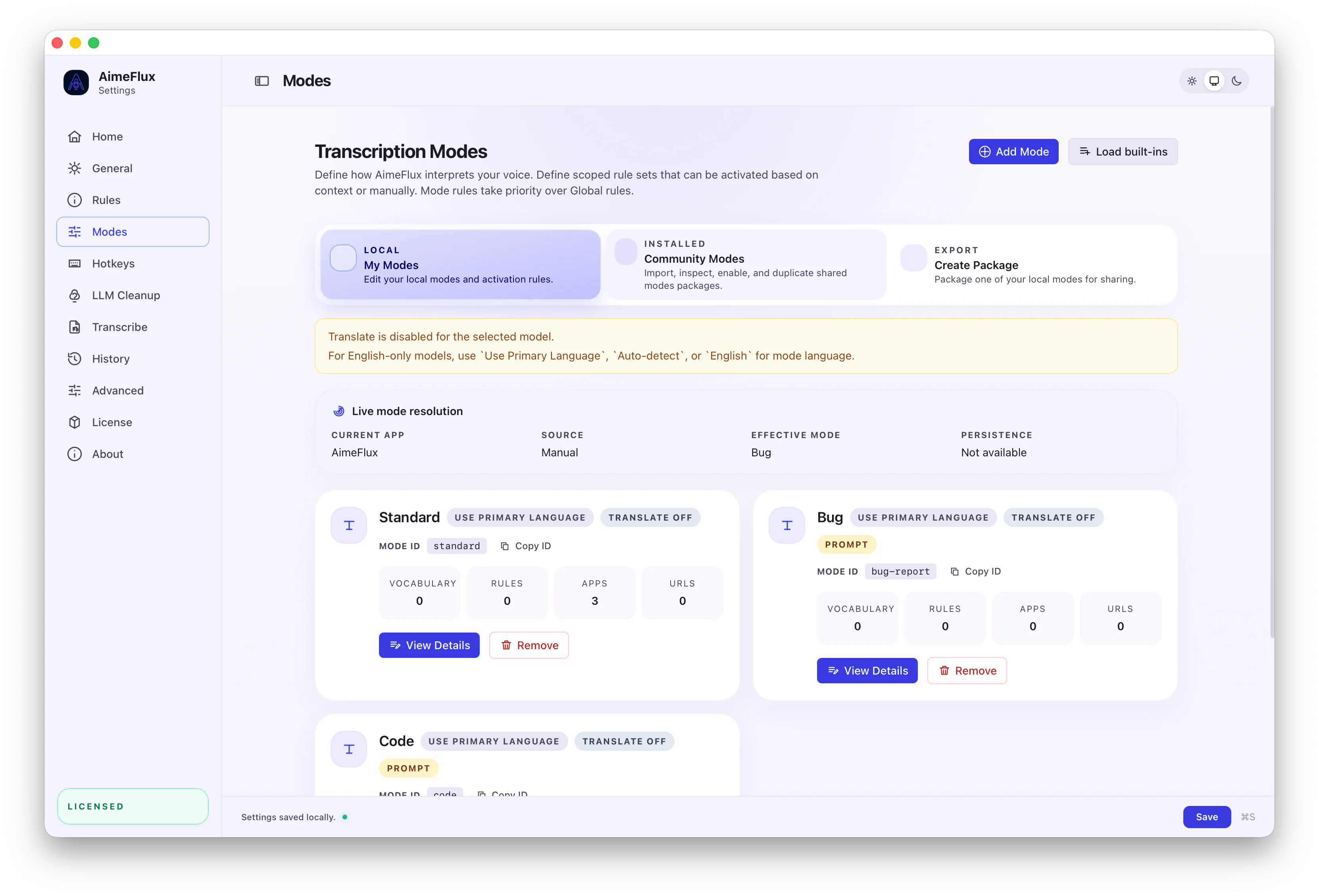
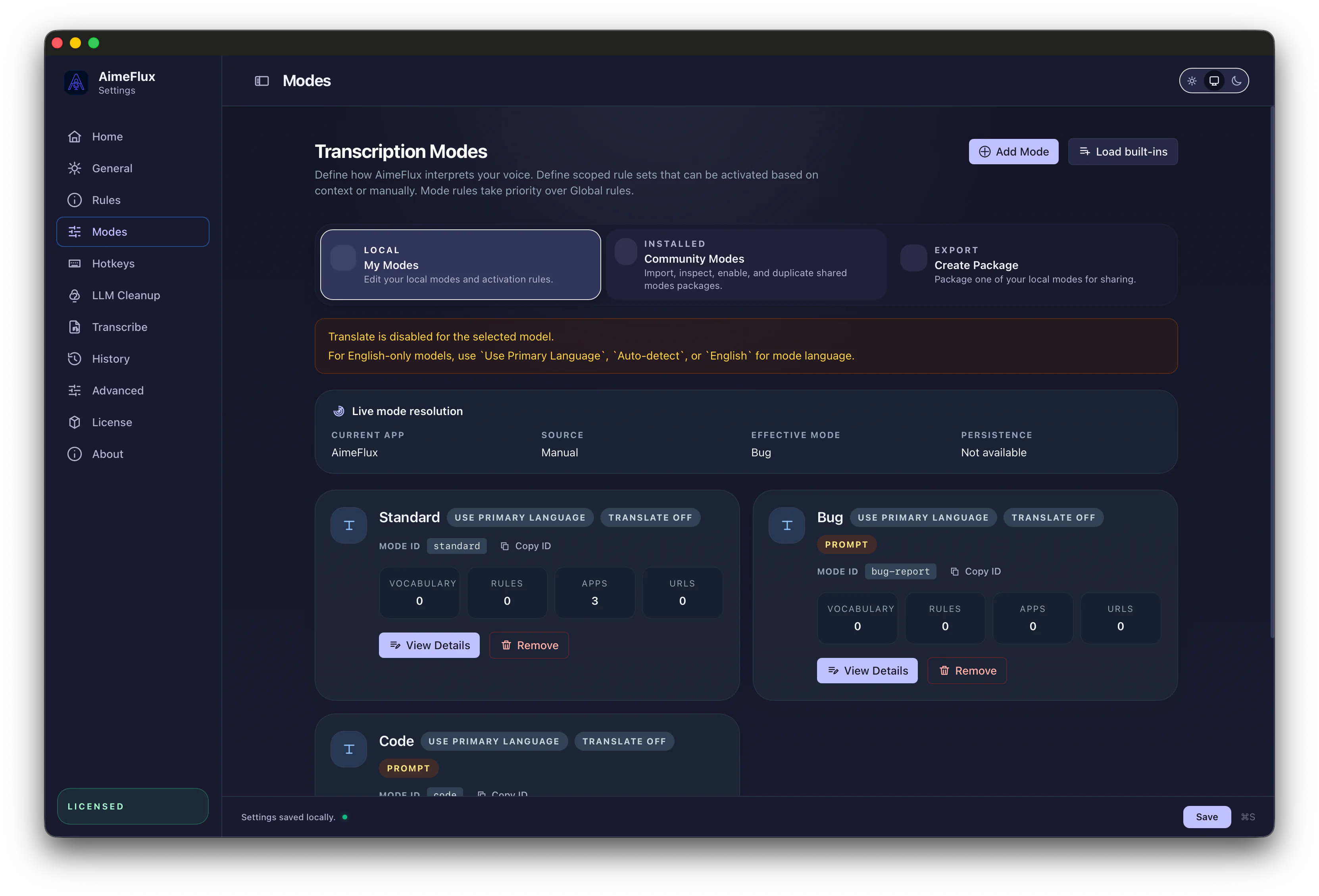
Replacements, vocabulary, cleanup prompts, translation settings, and auto activation work together as reusable mode behavior.
Modes let each recurring task use its own language, translation setting, prompts, and cleanup rules without changing how you capture.
Privacy & Local AI
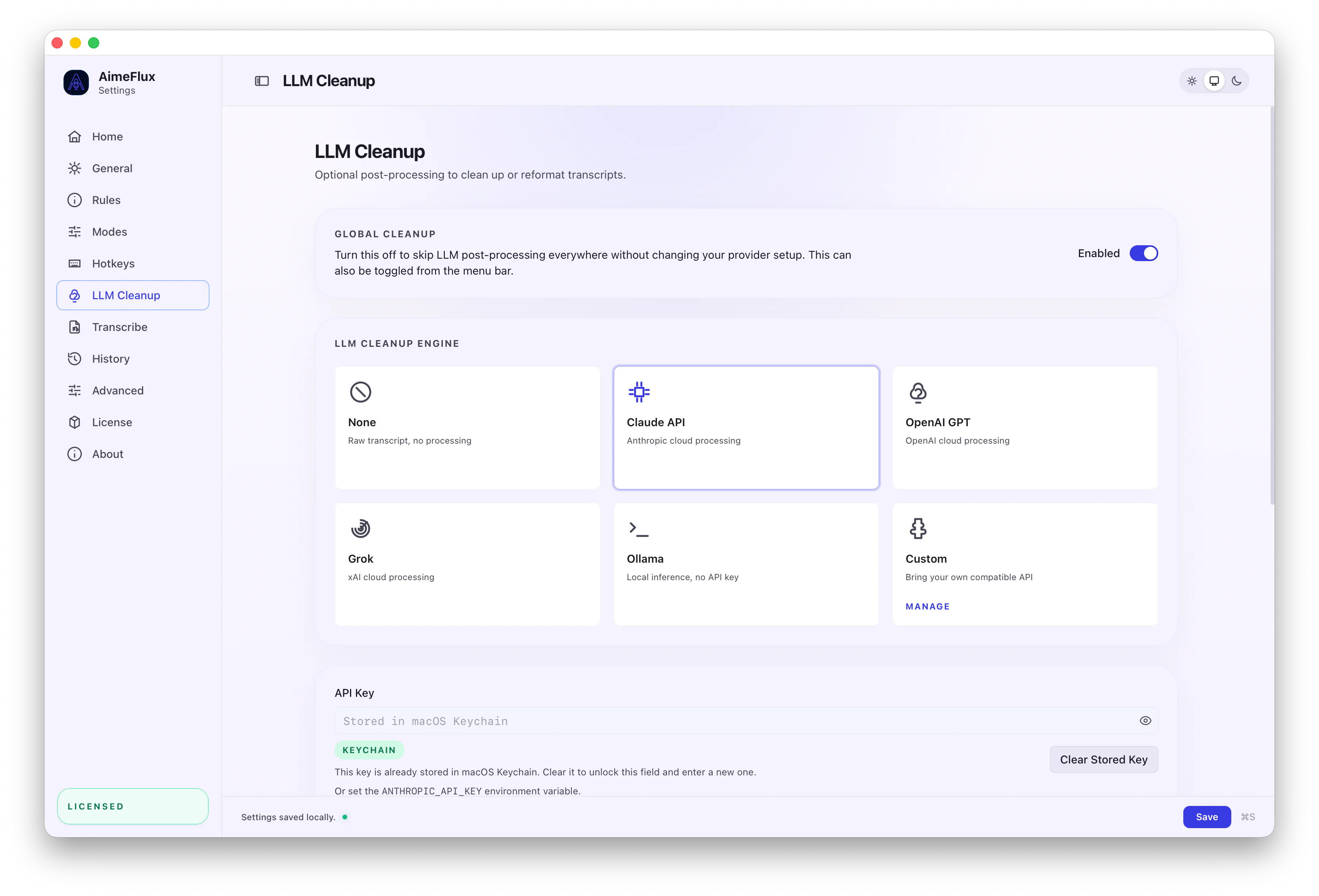
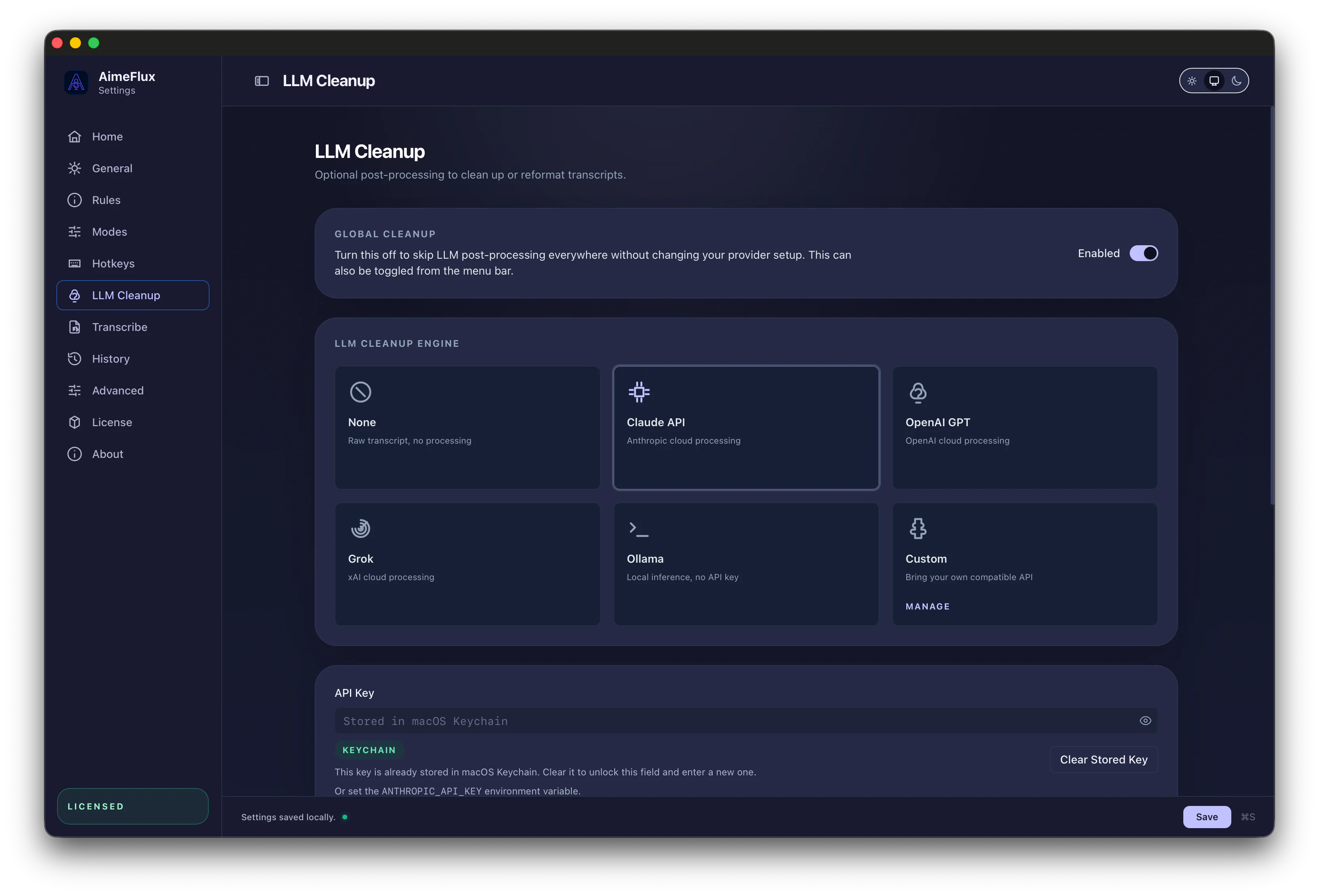
AimeFlux keeps the core path on your Mac: transcription, rules, vocabulary, modes, and encrypted history. Cleanup can stay no-cloud through local-compatible providers, or use OpenAI, Anthropic, and xAI only when you configure them.
Core path stays local
Whisper transcription, replacements, vocabulary, encrypted history, and reusable modes stay on your Mac.
No-cloud cleanup
Ollama and compatible local providers can handle AI cleanup without sending text to cloud APIs.
Optional cloud providers
OpenAI, Anthropic, and xAI (Grok) are available only when a mode or cleanup setting uses them.
Private agent scopes
Private modes and collections stay local in the app while hidden from MCP transcript, collection, and semantic search tools.
Keys stay protected
Provider keys and local history encryption keys are stored in macOS Keychain. Cloud cleanup sends transcript text only.
Default flow
Cloud boundary
Audio is not uploaded. Cloud cleanup sends transcript text only when enabled.
Community Packages
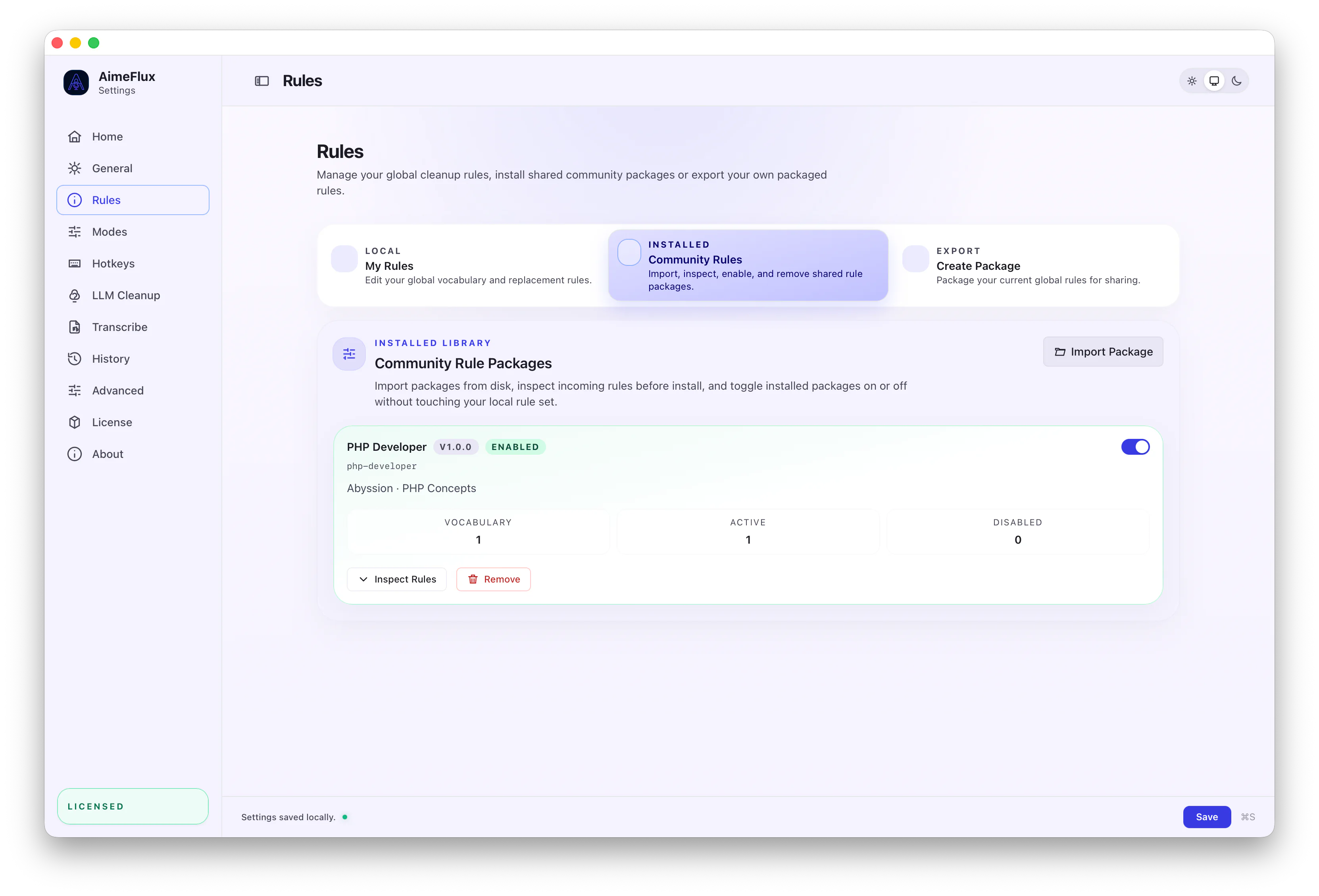
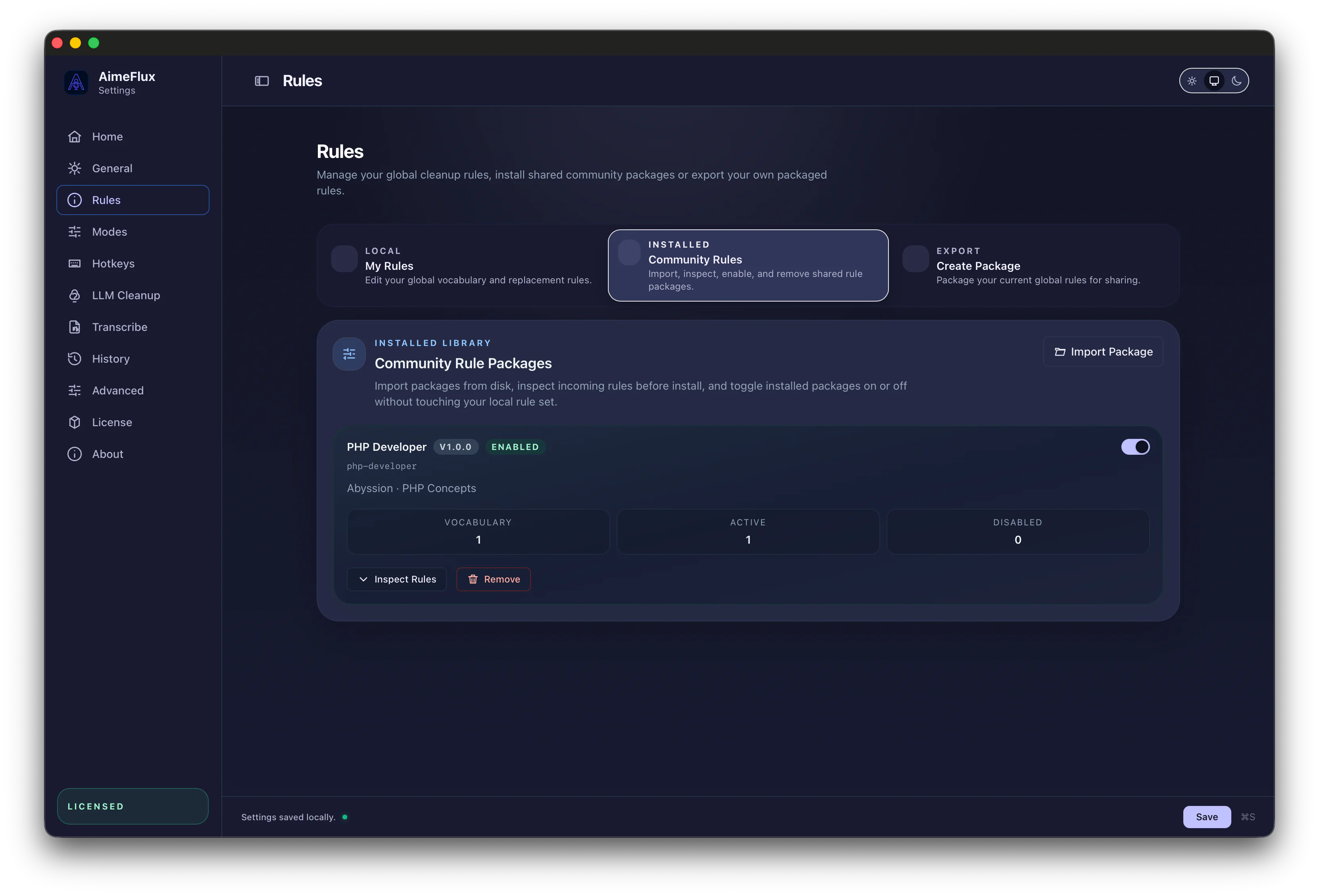
Packages bundle modes, vocabularies, cleanup rules, and terminology so useful setups can move between machines or be shared with others.